Team
The Team feature is available exclusively for Enterprise and Business plan users.
Overview
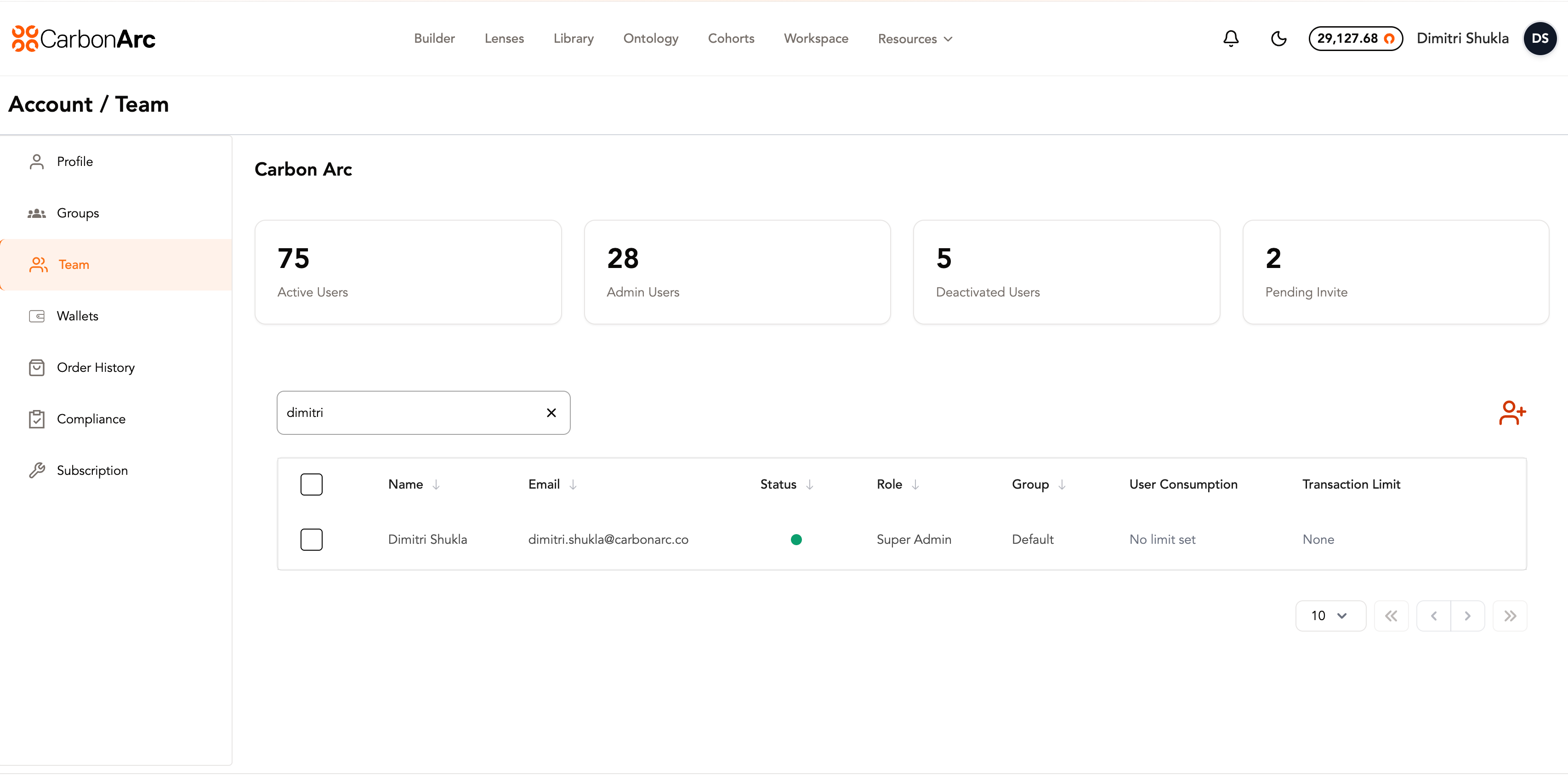
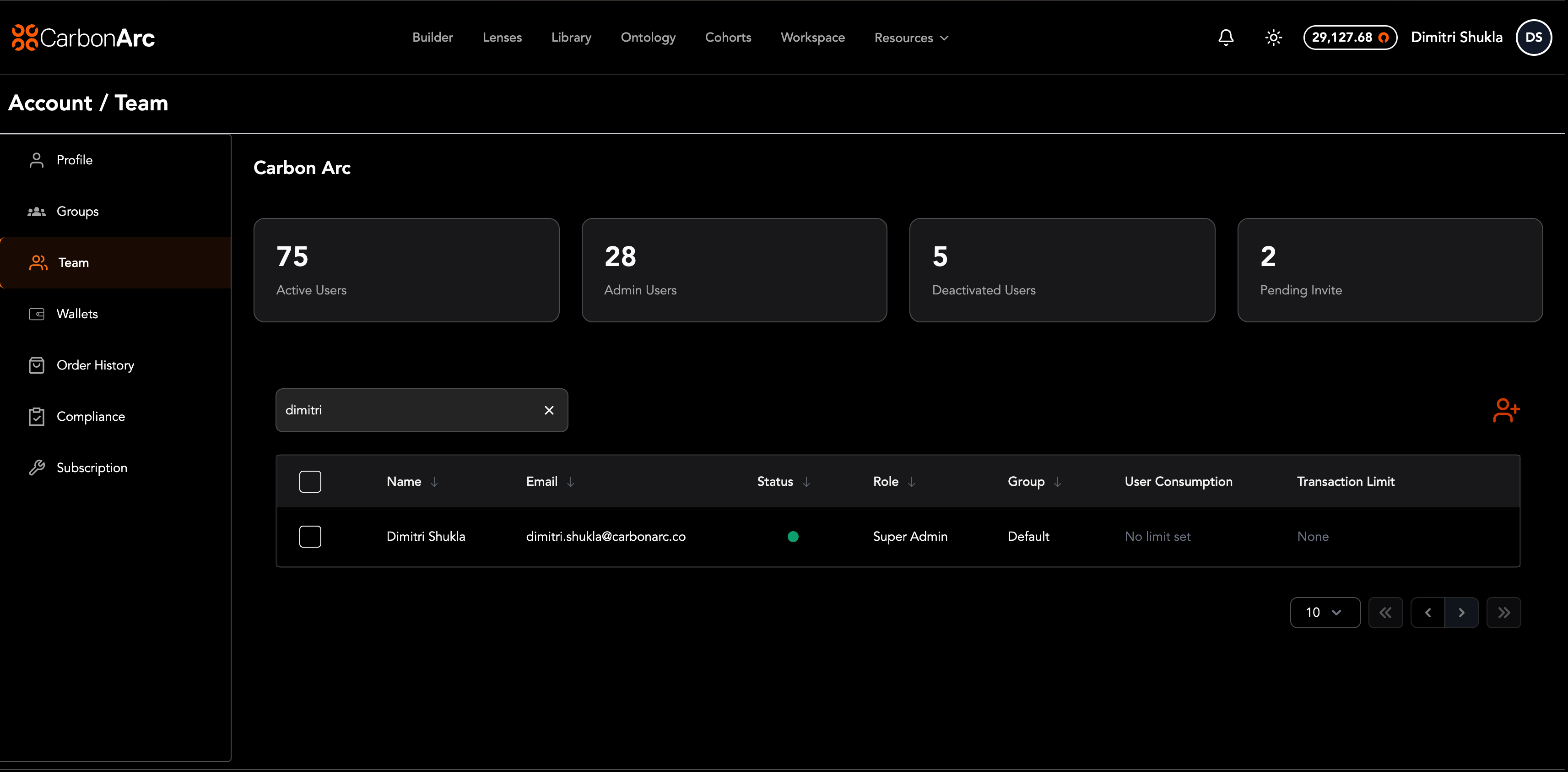
The Team page allows oversight into your organization’s team roster. Admins can manage users, assign roles and groups, and configure platform and MCP spending limits.
The team table includes two tabs:
| Tab | What you see | What you can do |
|---|---|---|
| Role & Status | Team members with role, group, and status details | Edit a user, multi-select to bulk add users to a group, or multi-select to bulk deactivate |
| Consumption | Team members and how many tokens they’ve consumed on the platform and MCP | Edit a user’s consumption limits, or multi-select to bulk change platform and MCP consumption limits |
You can edit a user’s consumption limits from either tab. Both tables include an Edit icon on the right side of each row that opens the user’s profile.
Invite a new team member
Only Admins can manage users.
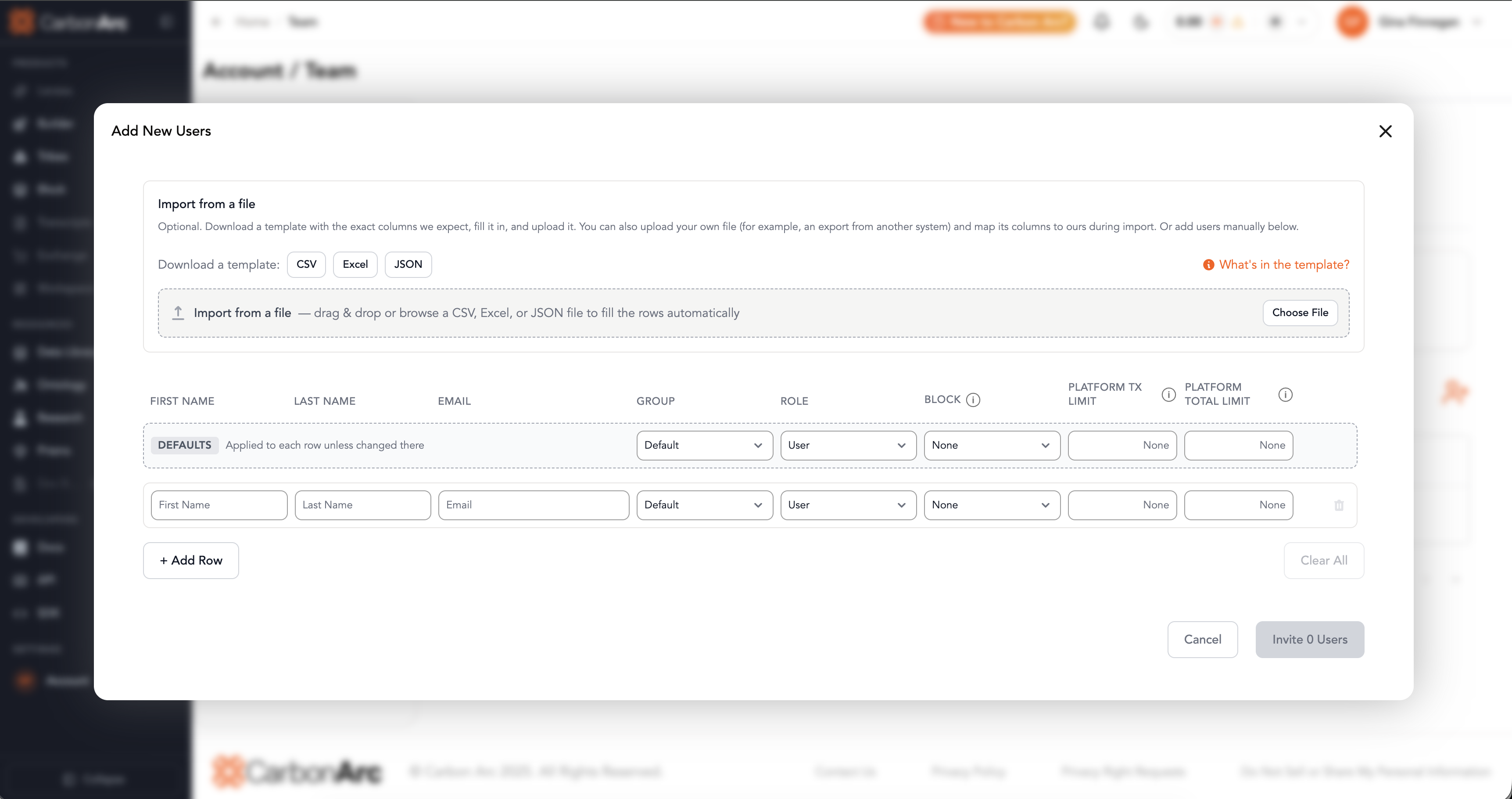
- Select the Add Users icon in the top right of the table.
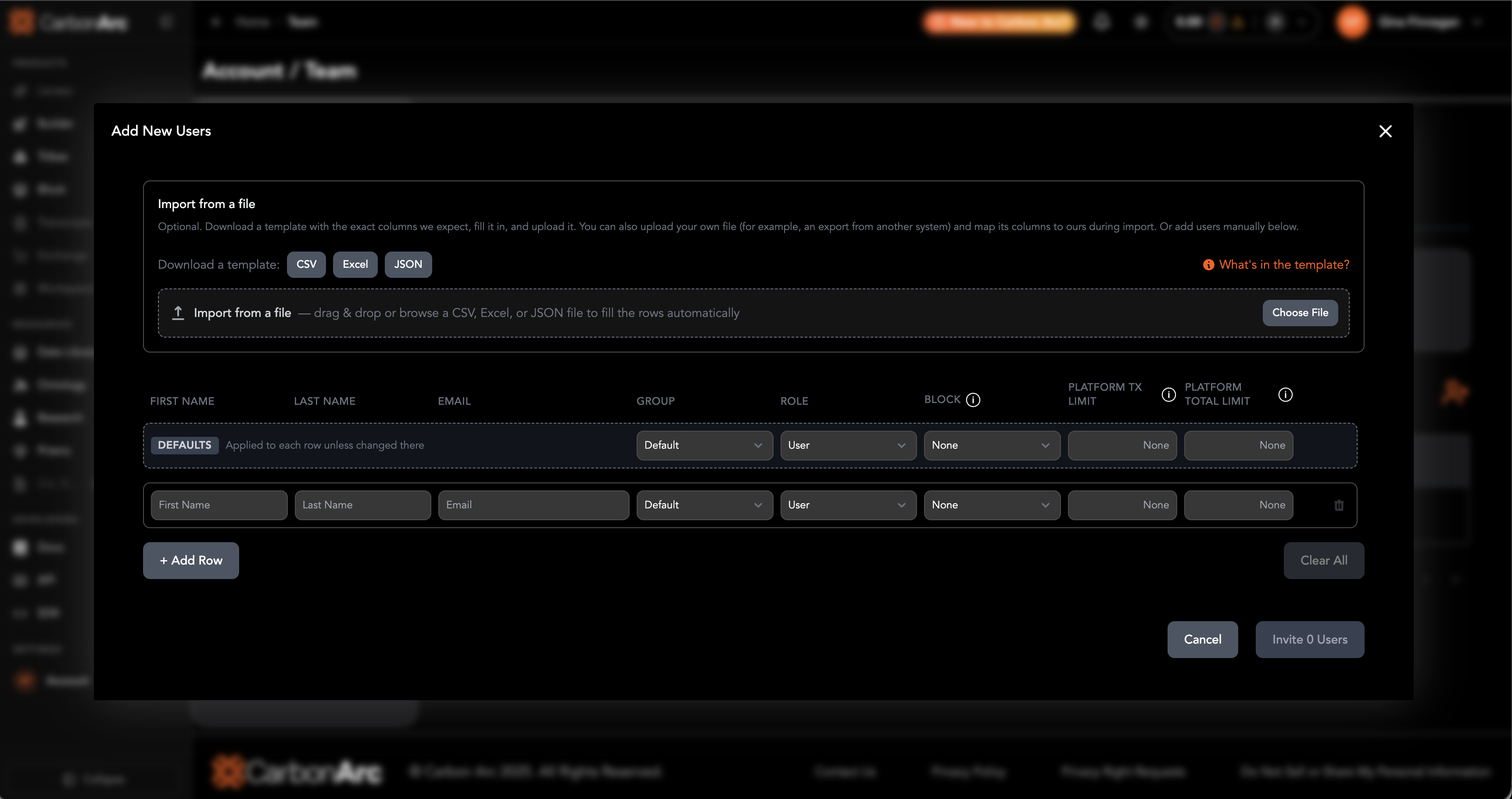
- Enter the users information
- Assign Group and Role
- (Optional) Set platform and MCP limits:
- Transaction Limit — max platform tokens per transaction
- Total Consumption Limit — max platform tokens the user can spend overall
- Maximum Consumption Limit per Period — max MCP tokens the user can consume each day (period is daily)
- MCP access — leave access on, or revoke MCP access for the user
- Select Save to invite team member
The user will receive an activation link and will appear as pending in the Teams page until they have activated their account.
Edit Team Member
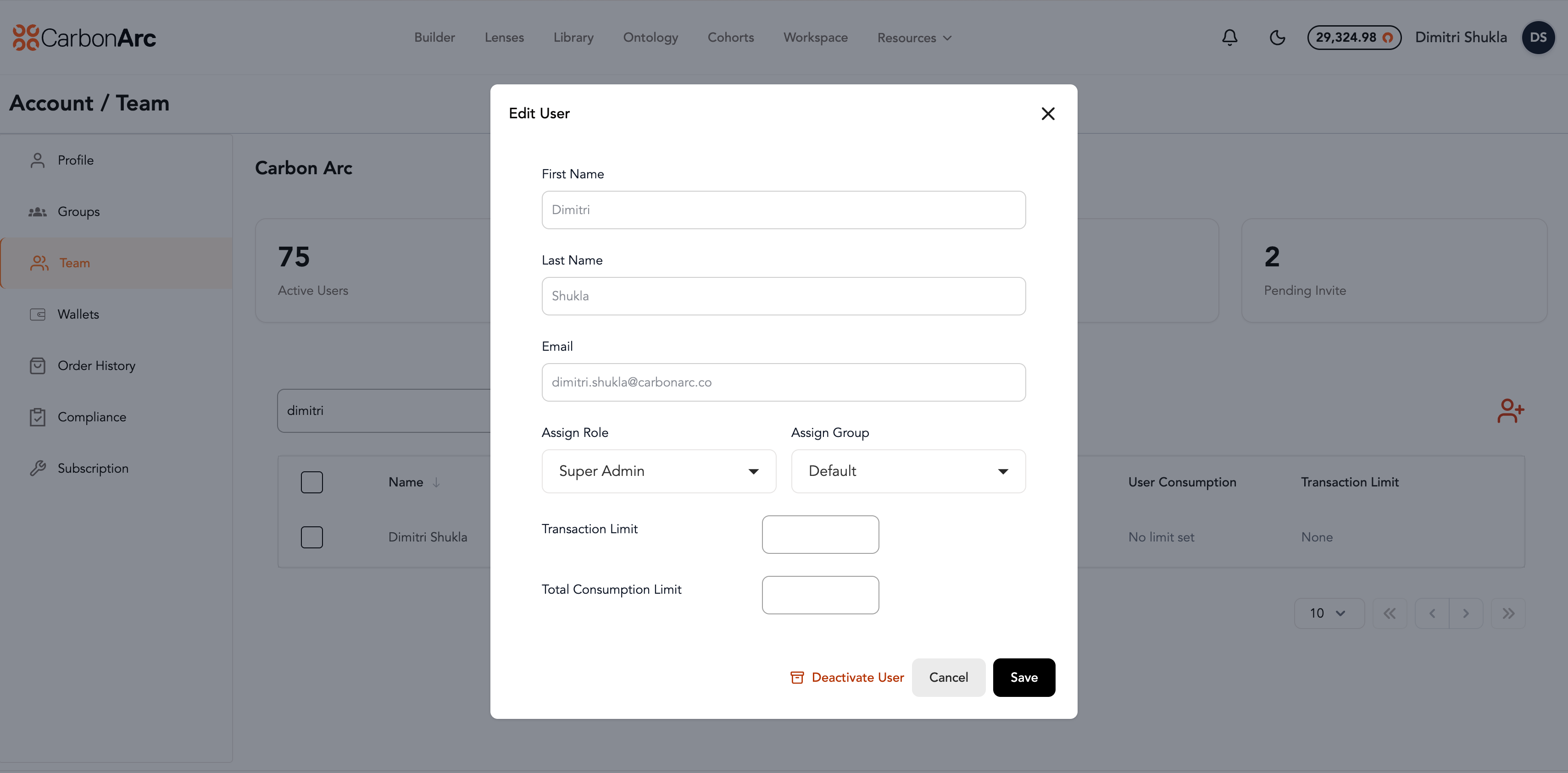
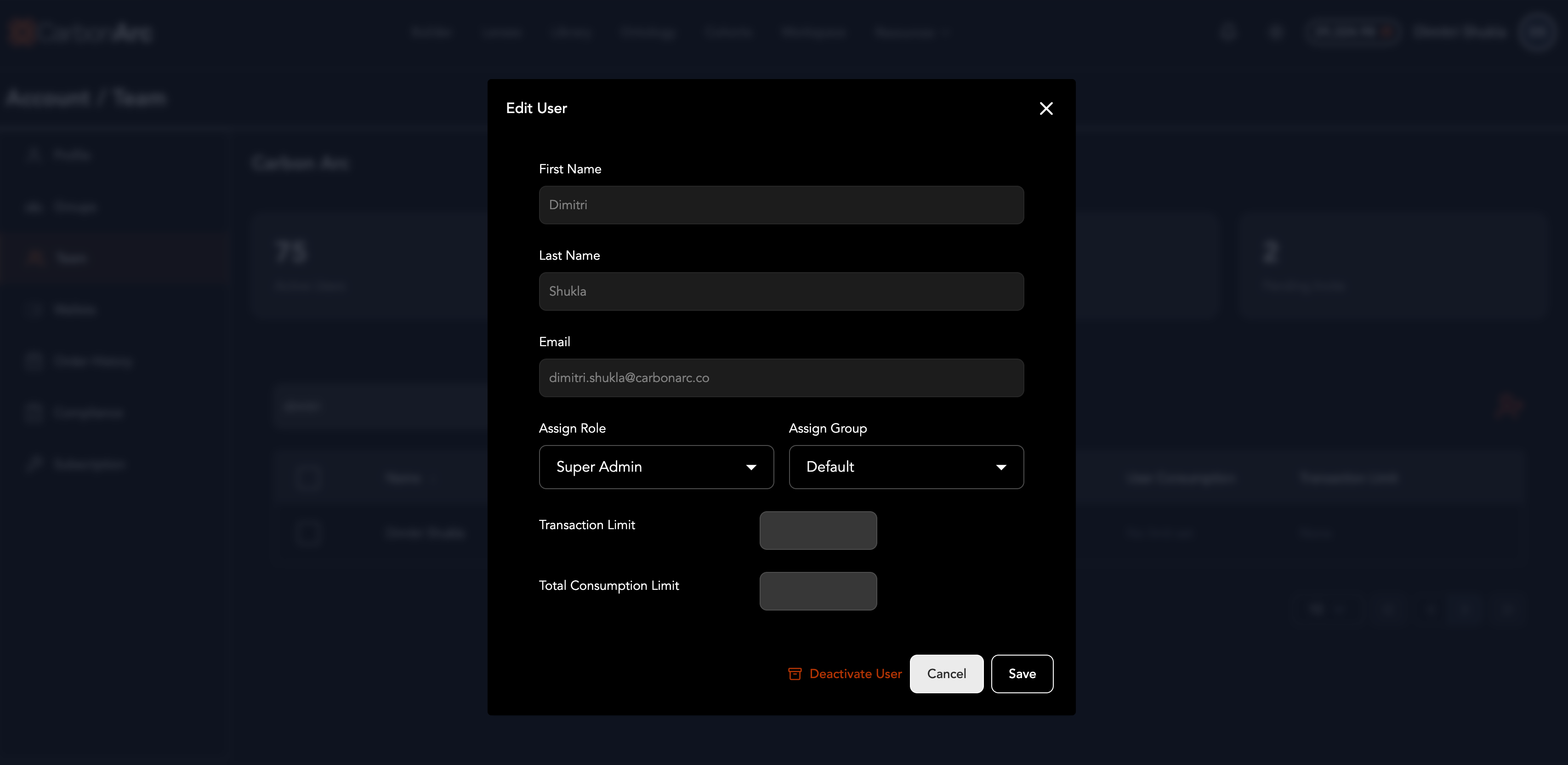
- Find the user in the Role & Status or Consumption tab and select the Edit icon on the right side of their row
- You can edit the user's role, group, platform usage limits, MCP daily limit, and MCP access
- Select Save to save your changes
Bulk Edit Team Members
Bulk actions depend on which tab you’re on.
Role & Status tab
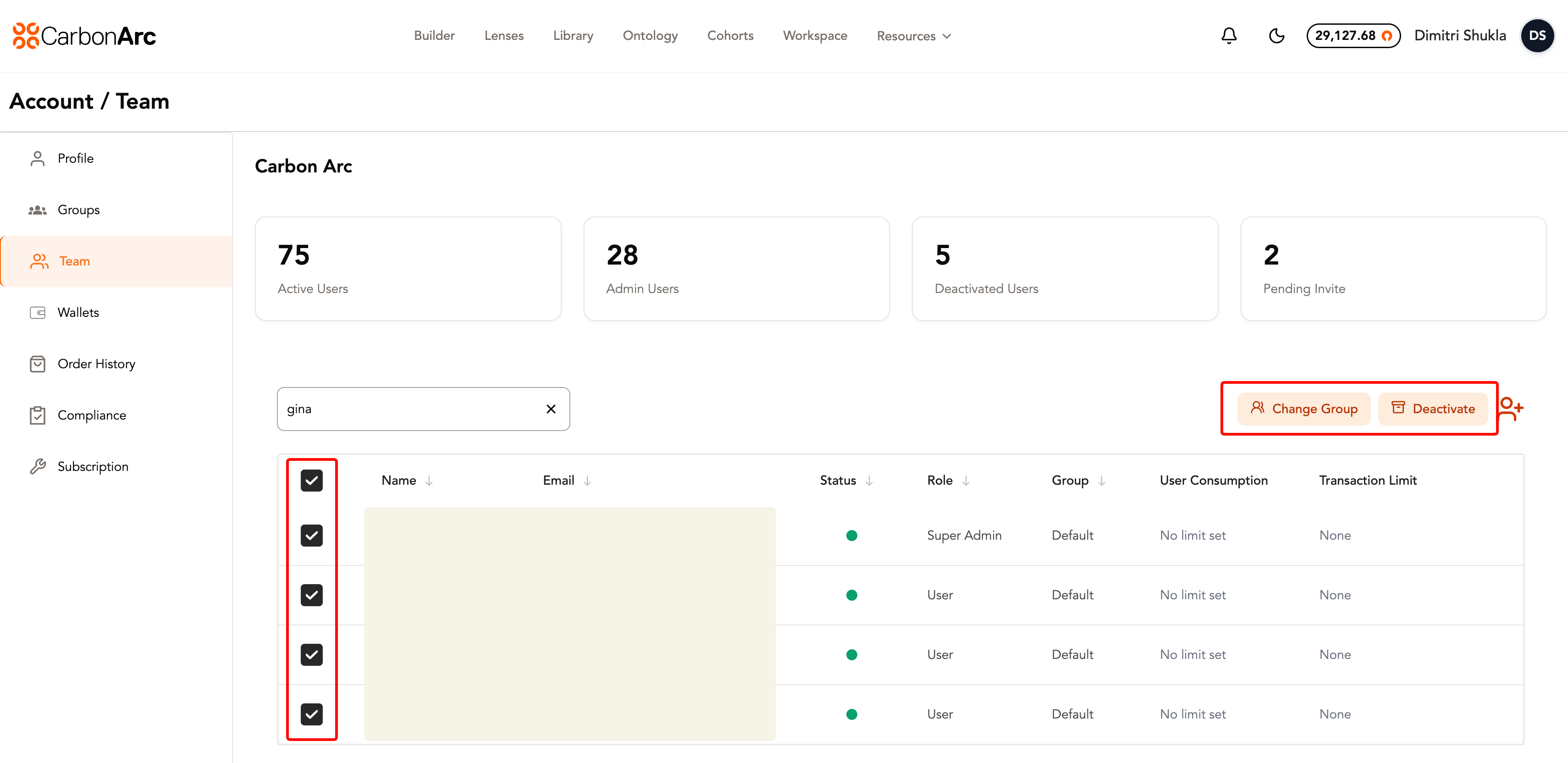
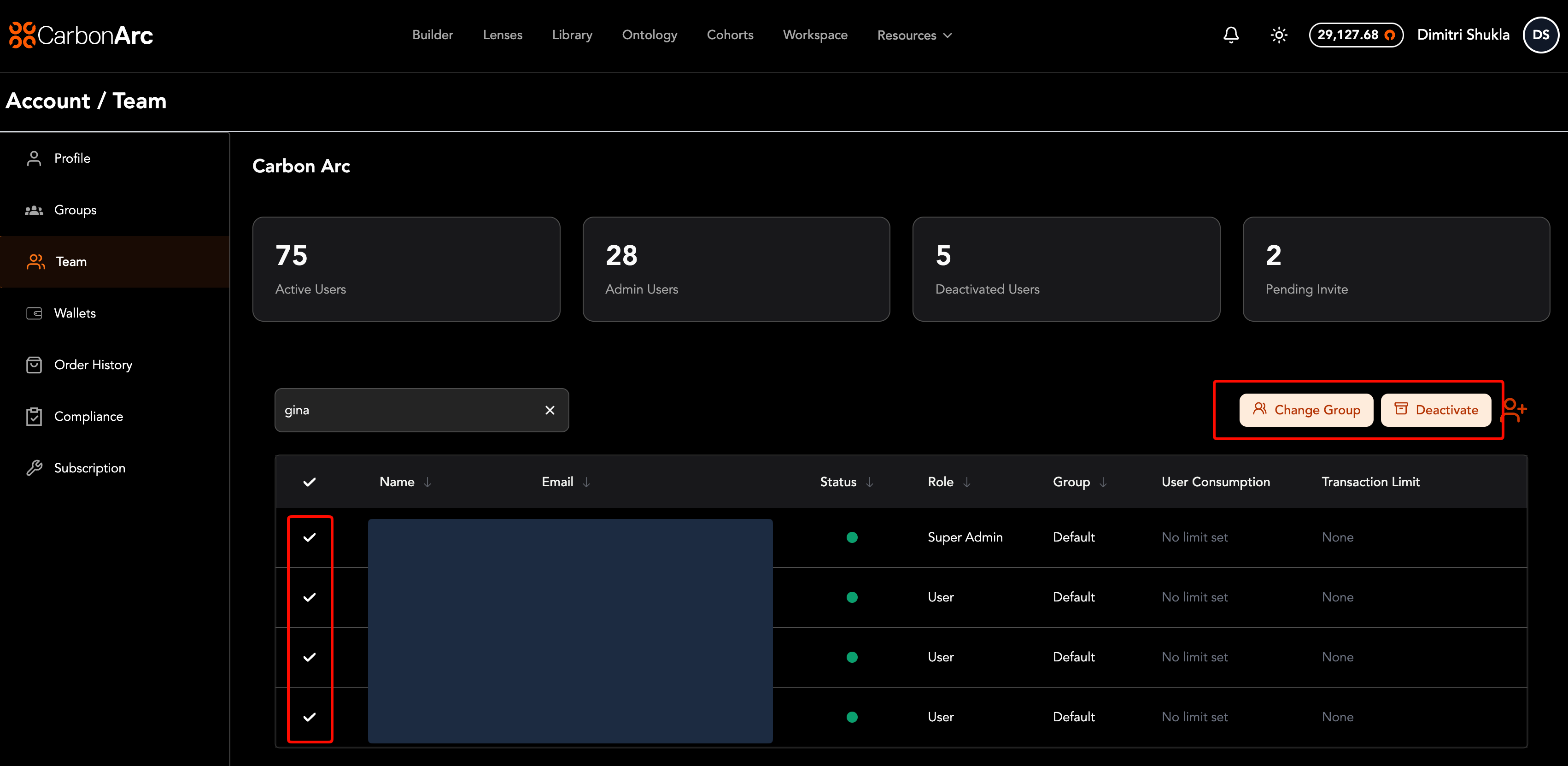
On the Role & Status tab, you can multi-select users to bulk add them to a group or bulk deactivate them.
Change group:
- Select the check box next to each user that you want to edit
- Select Change Group icon at the top right of the table
- Select the new group from the dropdown
- Select Save to save your changes
Note: the user will appear in red to differentiate when you are editing an admin user.
Consumption tab
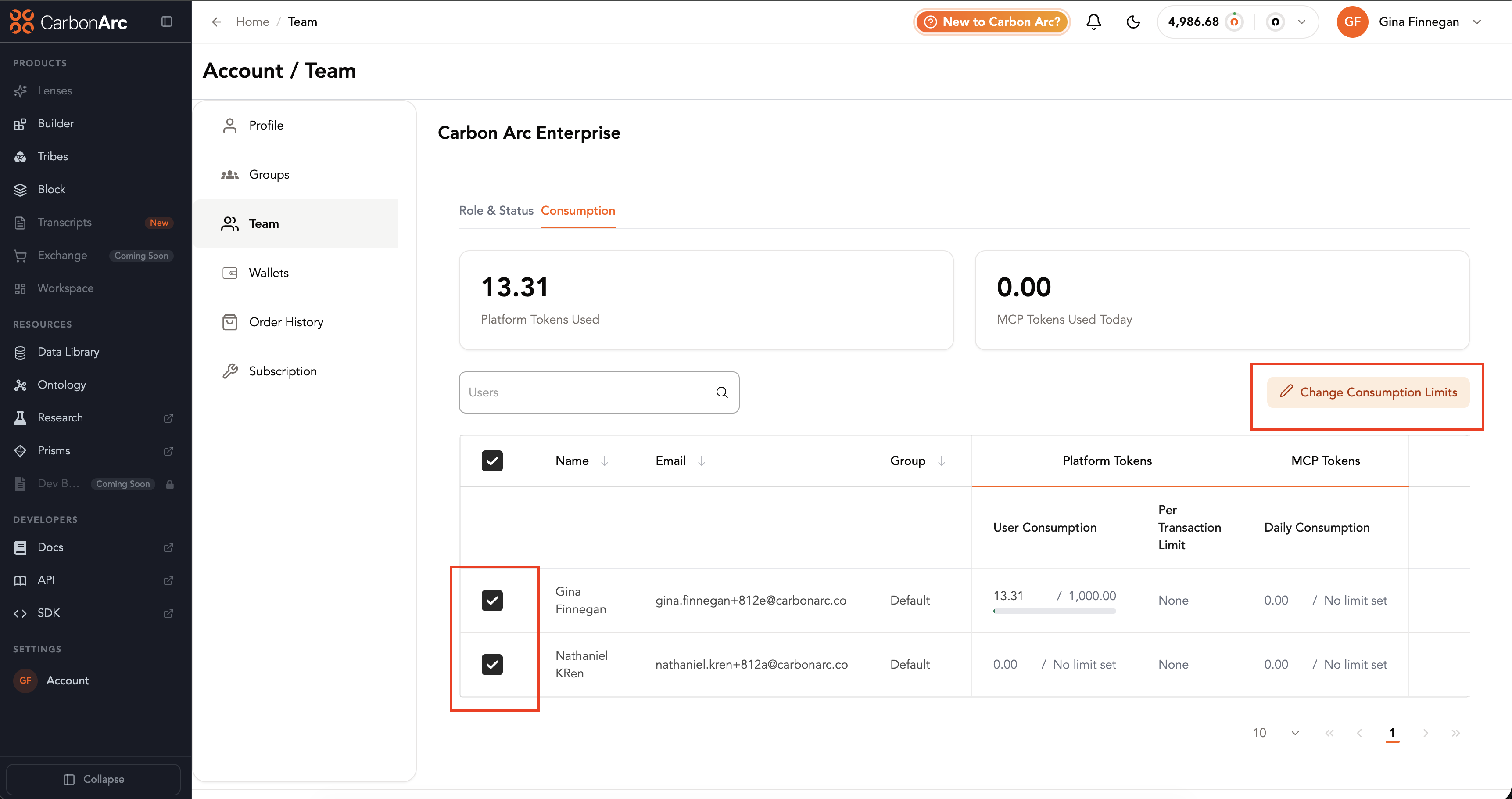
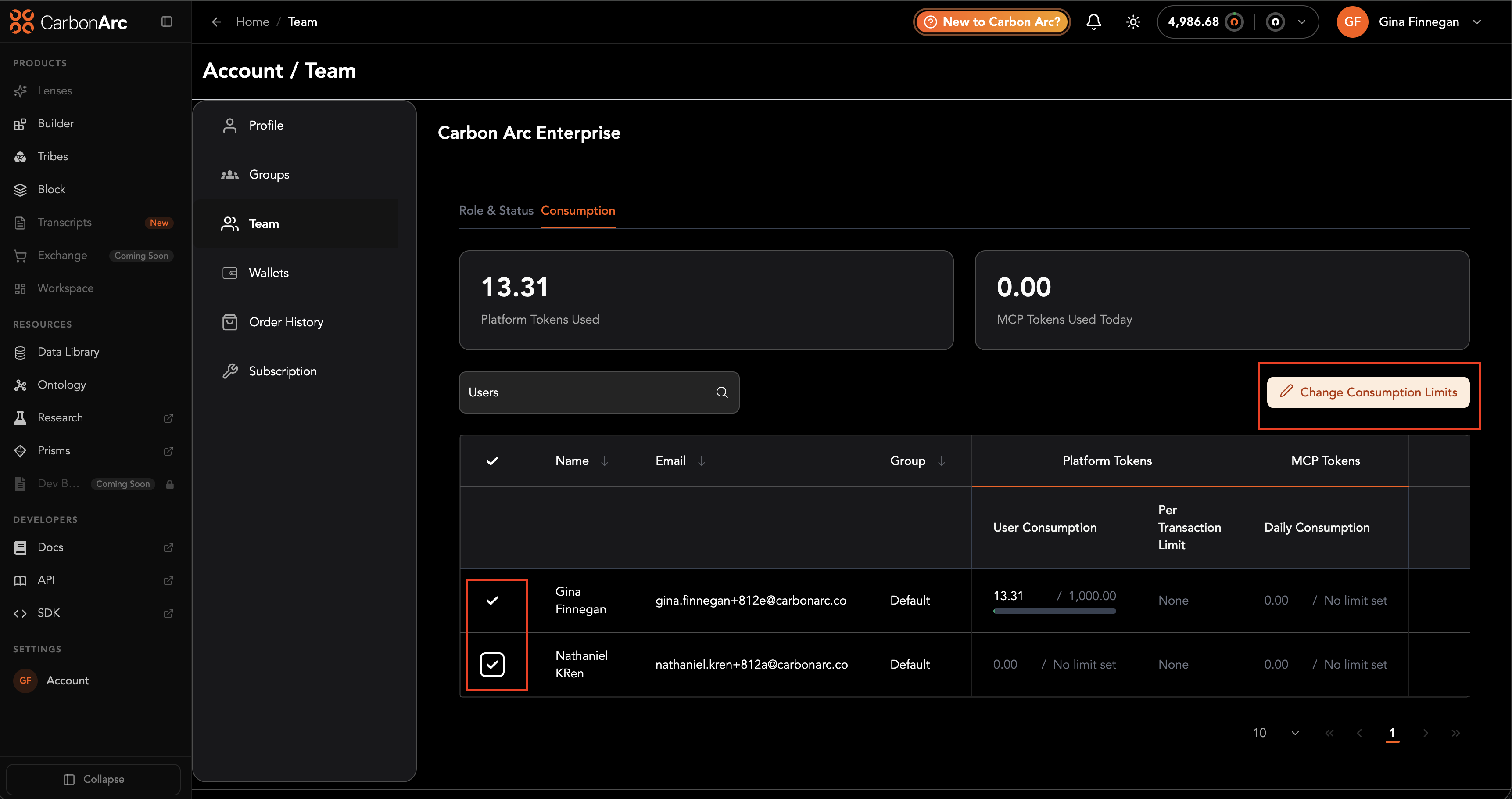
On the Consumption tab, you can multi-select users to bulk change platform and MCP consumption limits.
- Switch to the Consumption tab
- Select the check box next to each user whose limits you want to change
- Choose the bulk update action for platform and/or MCP limits
- Enter the new limit values and save
If a limit cannot be applied to a selected user, the system returns an error message and identifies the user who was skipped. For example, if a user belongs to a group that already has a consumption limit, you cannot assign that individual a higher consumption limit than the group limit.
Deactivate a User
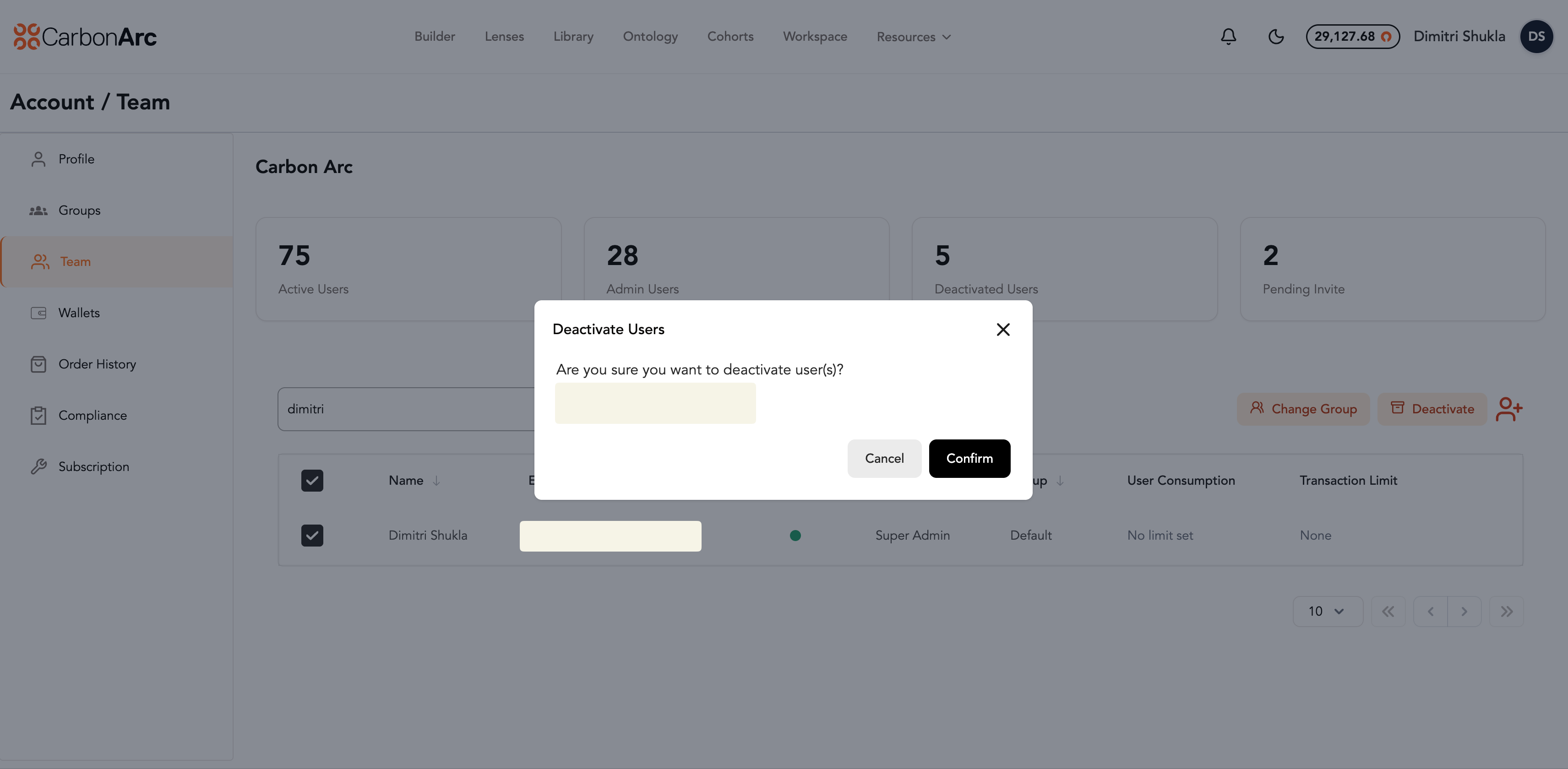
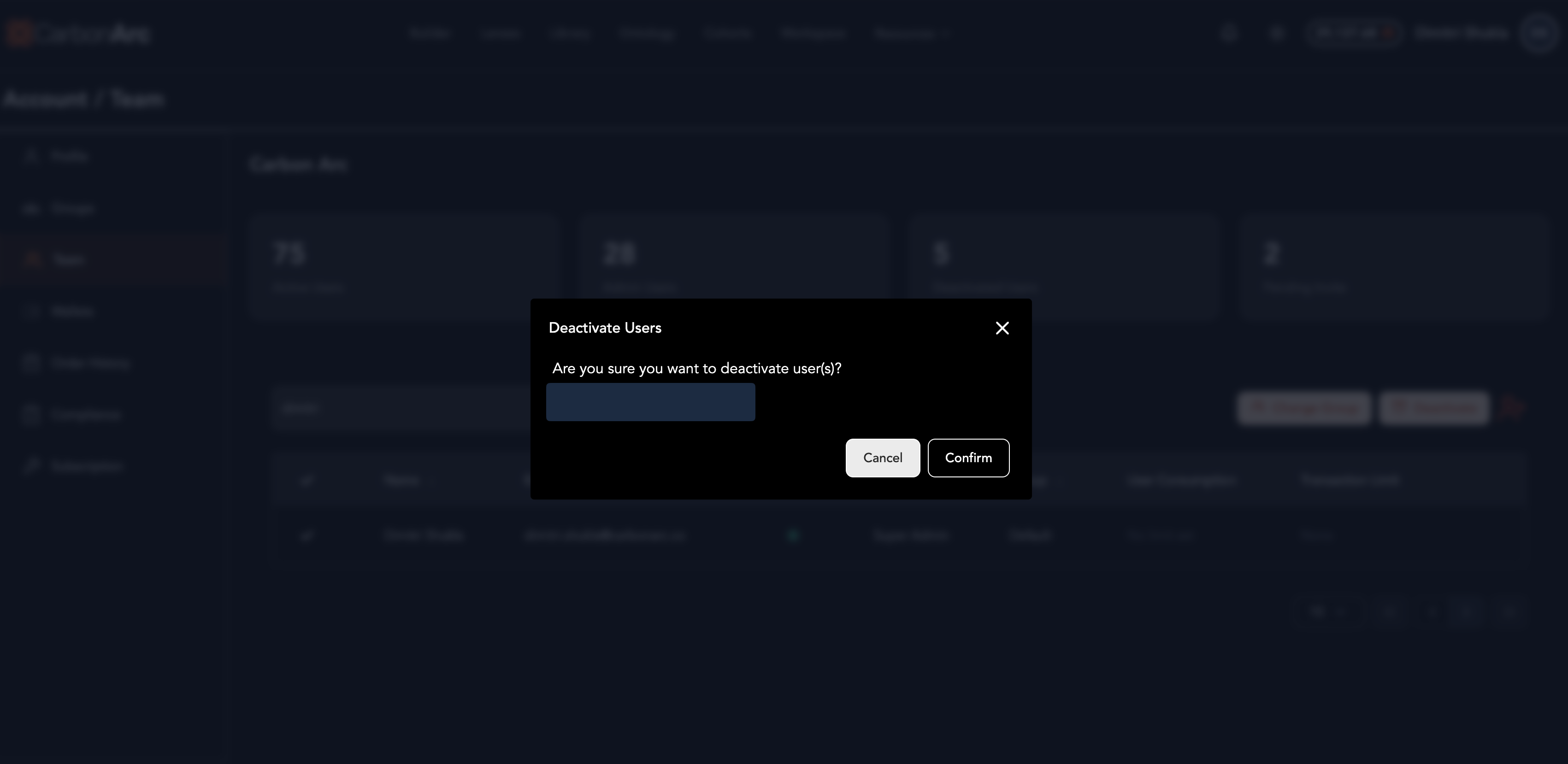
- On the Role & Status tab, select the check box next to each user that you want to deactivate (you can select multiple at a time)
- Select Deactivate icon at the top right of the table
- Confirm the deactivation
- Select Save to save your changes
Note: the user will appear in red to differentiate when you are editing an admin user.
Block User and Block Administrator access can only be assigned to organizations on an Enterprise plan with Block enabled. See Block Roles & Access for details.
Team Roles
| Role Name | Description |
|---|---|
| User | Access profile, groups, teams; purchase insights |
| Client Admin | Manage users, roles, groups, teams, plans, billing |
| Compliance Admin | Ability to provision data providers. Only available to compliance-managed accounts. Compliance admins cannot consume data. |
| Super Admin | Full admin access; all permissions from Client and Compliance Admins combined. Only available to compliance-managed accounts |
Assign User-Level Limits
By selecting the Edit icon on a user’s row (from either the Role & Status or Consumption tab), or when onboarding a new user, Admins can set limits at the individual level for both platform usage and MCP usage.
- Platform limits apply to data purchased in the Builder or through the SDK.
- MCP limits apply to Lenses and to external AI assistants that use the Carbon Arc MCP Server (for example, Claude or ChatGPT).
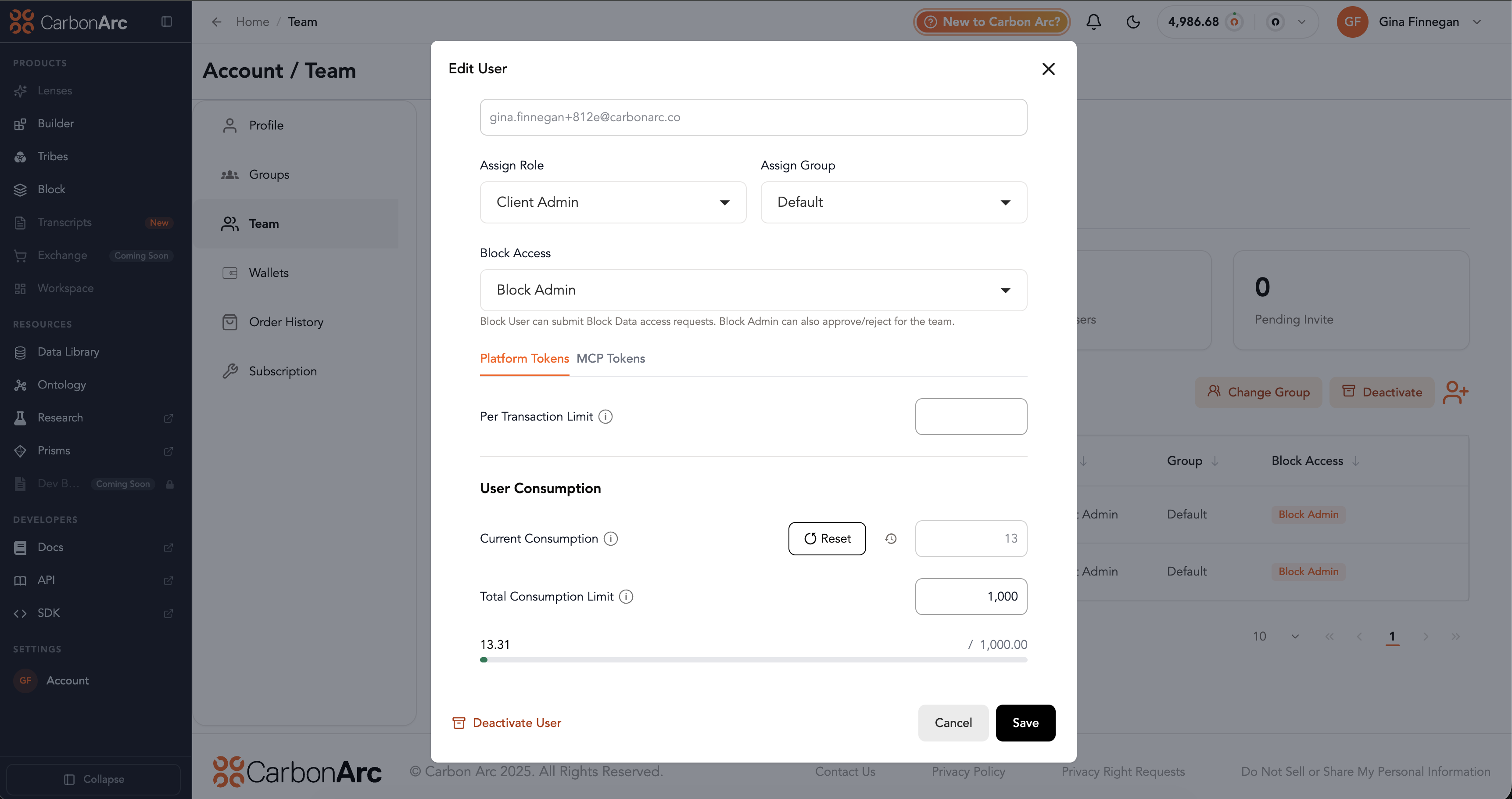
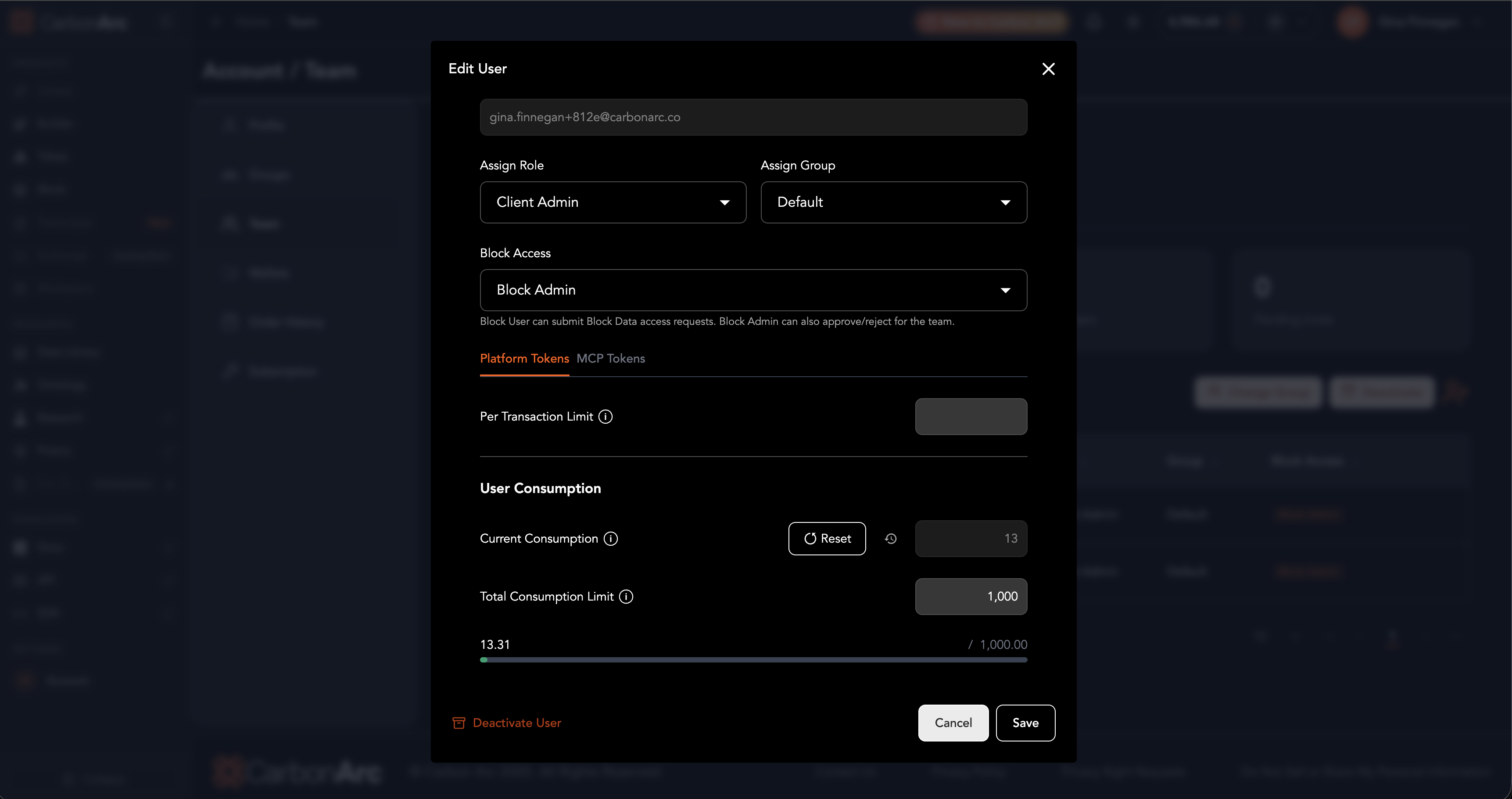
Platform limits
- Transaction Limit: Restrict how many platform tokens a user can spend per transaction in Builder or the SDK.
- Total Consumption Limit: Set the total number of platform tokens a user can spend in Builder or the SDK. If a user reaches this amount, you can:
- Increase their total consumption limit to allow additional spend, or
- Reset their total consumption so their spent amount returns to zero and they can use the existing limit again
MCP limits and access
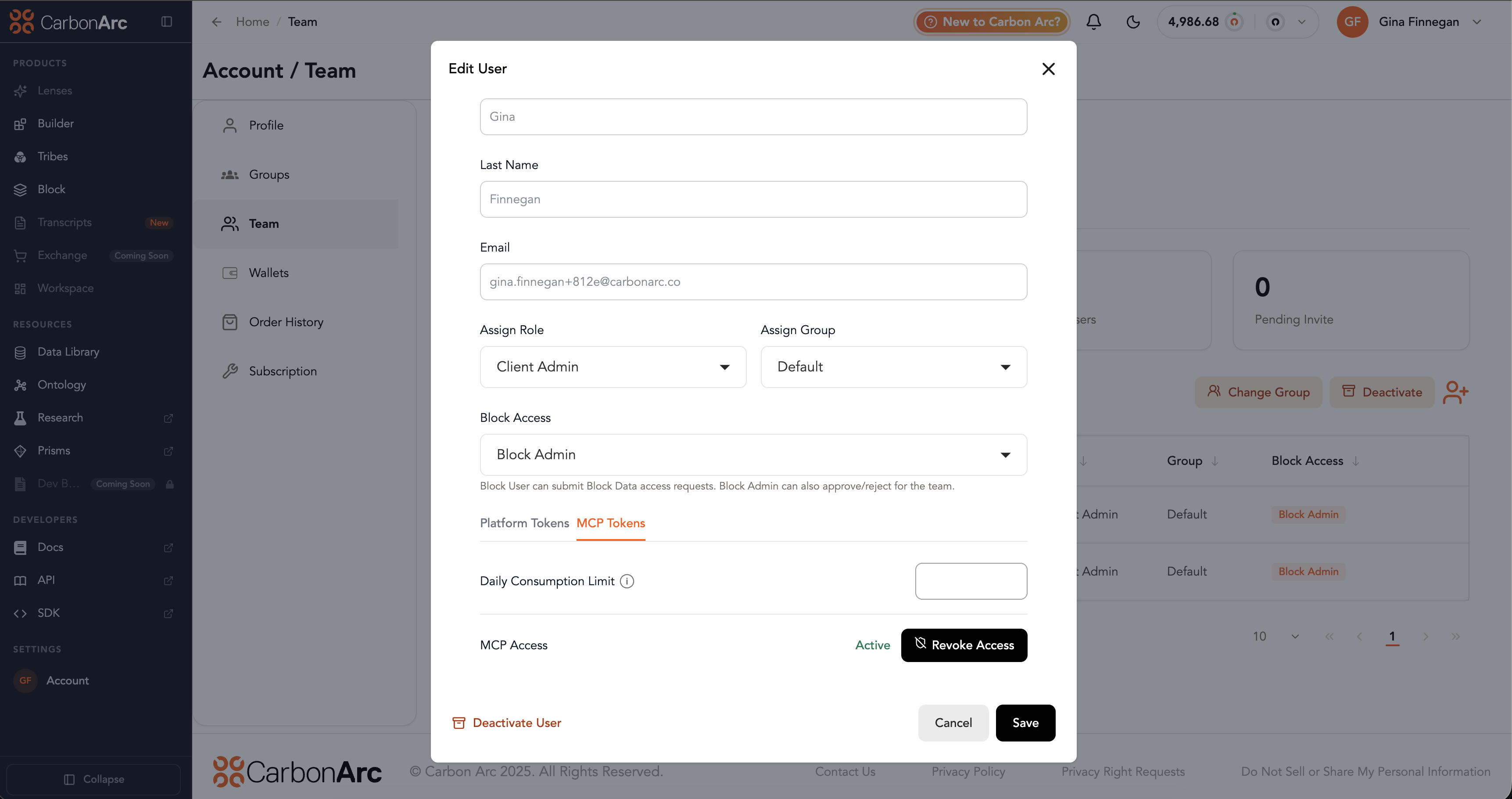
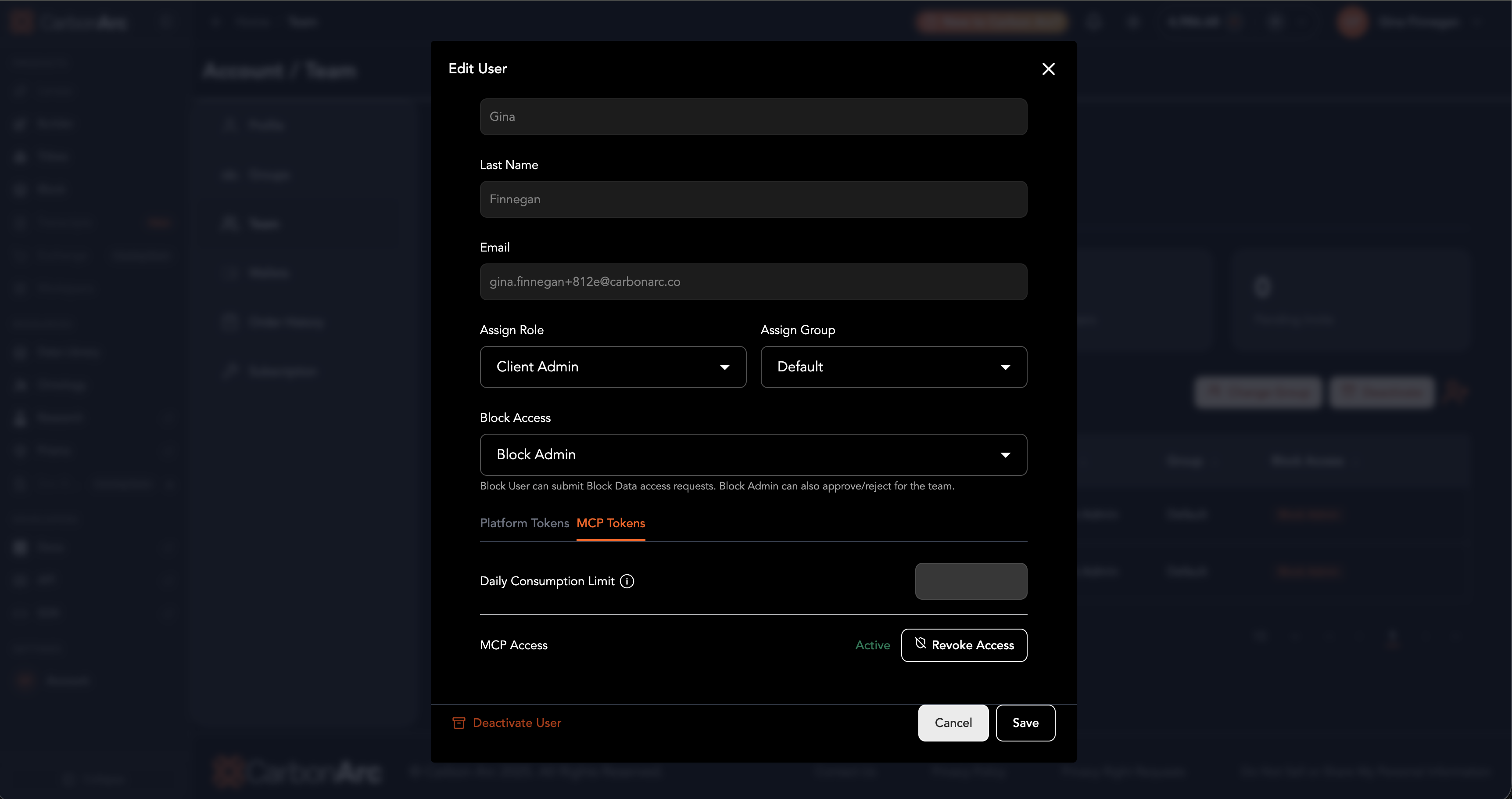
- Maximum Consumption Limit per Period: Restrict how many MCP tokens from the account’s total MCP token balance a user can consume in Lenses or external AI assistants (such as Claude or ChatGPT). The period is daily. Limits reset each day at 12:00 AM Eastern Time, when the account’s normal MCP daily limit also resets.
- Revoke / restore MCP access: Admins can turn MCP access off or on for a user. Revoking MCP access removes the user’s ability to consume MCP tokens and blocks their access to Lenses (and MCP use in external AI assistants). Restoring access returns MCP and Lenses access. If the user’s group has MCP access revoked, you cannot restore MCP access for that user individually—restore it on the group first. See Groups — Revoke or restore MCP access.
Applying an MCP limit controls how many MCP tokens from the account’s overall token limit that user can consume. It does not create a separate MCP token pool for the user.
When both user and group limits exist, the lower limit always applies to prevent overspending. If a user is in a group with a consumption limit, you cannot assign that user an individual limit higher than the group’s limit.
For group-level platform and MCP limits (including collective group consumption), see Groups.
Roles and Permissions
Profile & Account Management
| Permission | User | Client Admin | Compliance Admin | Super Admin |
|---|---|---|---|---|
| Profile | ✅ Manage Own | ✅ Manage Own | ✅ Manage Own | ✅ Manage Own |
| Account/Plan | ❌ No Access | ✅ Manage | ❌ No Access | ✅ Manage |
| API Keys | ✅ Manage Own | ✅ Manage Own | ❌ No Access | ✅ Manage Own |
Groups Management
| Permission | User | Client Admin | Compliance Admin | Super Admin |
|---|---|---|---|---|
| Groups | ✅ View | ✅ Manage | ✅ View | ✅ Manage |
| Group Settings | ❌ No Access | ✅ Manage | ❌ No Access | ✅ Manage |
Team Management
| Permission | User | Client Admin | Compliance Admin | Super Admin |
|---|---|---|---|---|
| Team Members | ✅ View | ✅ Manage | ✅ View | ✅ Manage |
| Team Permissions | ✅ View | ✅ Manage | ✅ View | ✅ Manage |
| Invite Team | ❌ No Access | ✅ Manage | ❌ No Access | ✅ Manage |
| Remove Team | ❌ No Access | ✅ Manage | ❌ No Access | ✅ Manage |
| Transaction & Spend Limits | ✅ View | ✅ Manage | ❌ No Access | ✅ Manage |
| MCP Limits & Access | ✅ View | ✅ Manage | ❌ No Access | ✅ Manage |
Wallet & Order History
| Permission | User | Client Admin | Compliance Admin | Super Admin |
|---|---|---|---|---|
| Wallet | ❌ No Access | ✅ Manage | ❌ No Access | ✅ Manage |
| Token Purchase | ❌ No Access | ✅ Manage | ❌ No Access | ✅ Manage |
| Transaction History | ❌ No Access | ✅ View All | ❌ No Access | ✅ View All |
| Order History | ✅ View Own | ✅ View All | ❌ No Access | ✅ View All |
| Consume data / Spend Tokens | ✅ Yes | ✅ Yes | ❌ No | ✅ Yes |
Compliance
| Permission | User | Client Admin | Compliance Admin | Super Admin |
|---|---|---|---|---|
| Compliance Portal | ❌ No Access | ✅ View | ✅ Manage | ✅ Manage |