Subscription
Admin Required
For Enterprise and Business plans, only Client Admins and Super Admins can access this page.
Overview
The Subscription page provides a comprehensive overview of your account's subscription, billing, payment, and invoice history.
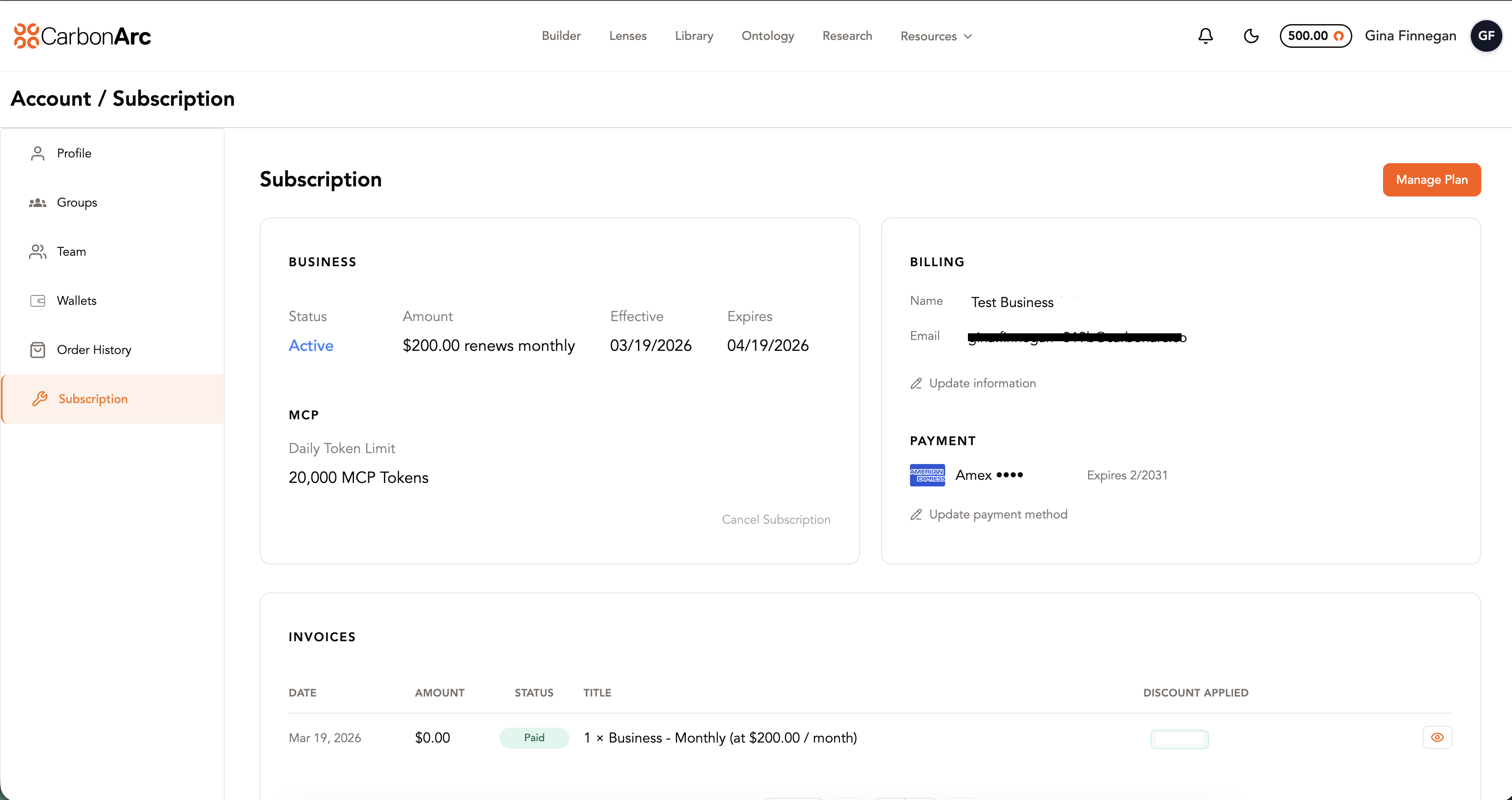
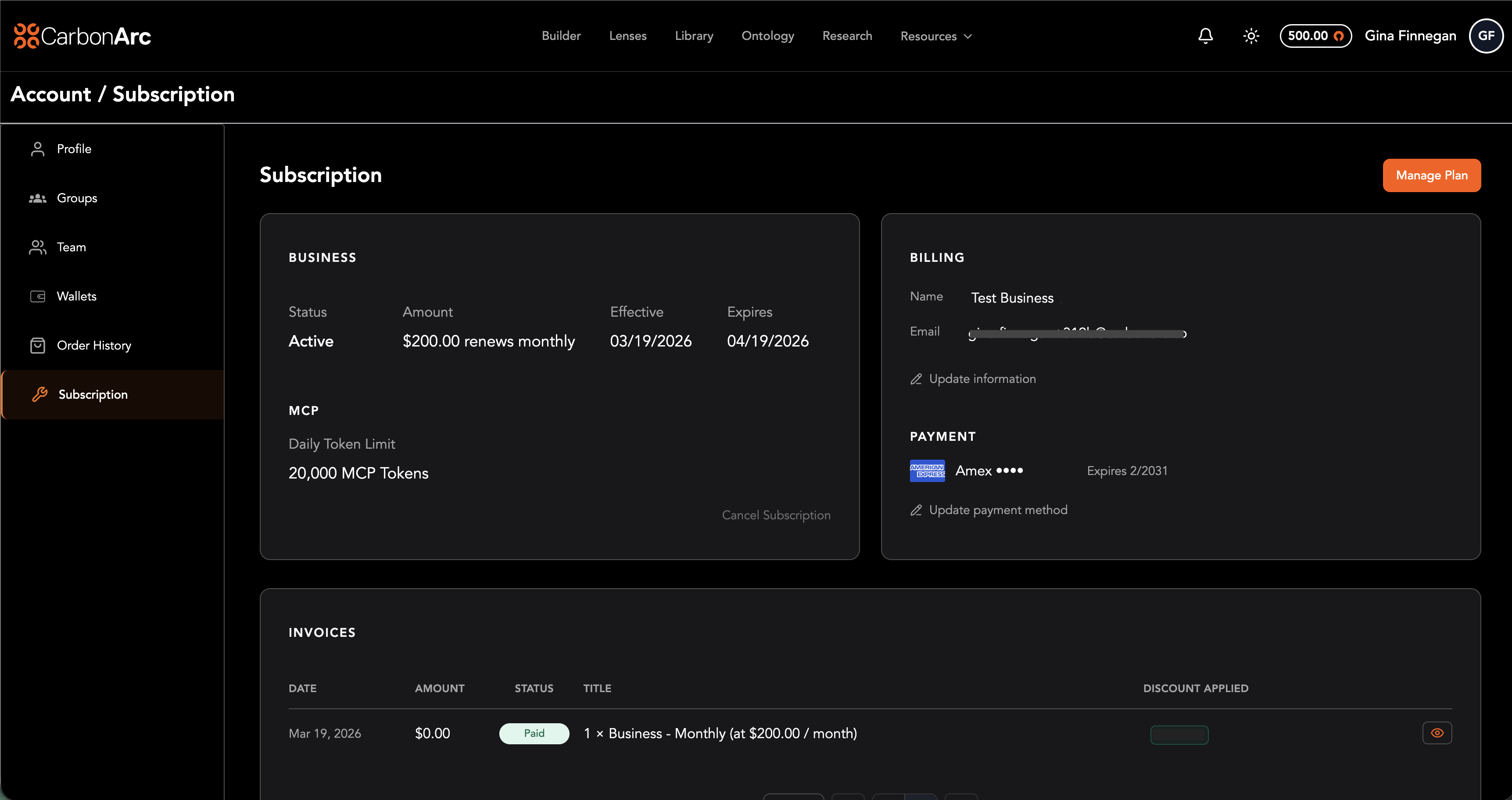
Subscription Details
The left card displays your current plan information:
- Plan Name: The name of your current platform plan (e.g., Business).
- Status: Current plan status (active, expired, etc).
- Amount: The plan price and billing frequency (e.g., $200.00 renews monthly).
- Effective Date: The date your plan became active.
- Expiration Date: The date your plan is set to expire. If the expiration date is open or not specified, the plan is set to auto-renew or does not have a scheduled expiration.
- MCP Daily Token Limit: The number of MCP tokens included in your plan per day.
- Cancel Subscription: A link to cancel your current subscription.
Billing & Payment
The right card displays your billing and payment information:
- Name: The billing contact name on file.
- Email: The billing contact email on file.
- Update Information: A link to update your billing contact details.
- Payment Method: The payment method currently on file (e.g., card type and last four digits).
- Update Payment Method: A link to update your payment method.
Invoices
The invoices table at the bottom of the page displays your full invoice history, including:
- Date: The date the invoice was issued.
- Amount: The invoice total.
- Status: Payment status (e.g., Paid, Open).
- Title: Description of the invoice line item.
- Discount Applied: Any discount applied to the invoice.
Managing Your Plan
In the top-right corner of the page, the Manage Plan button links directly to your Stripe portal, where you can:
- Edit your payment methods
- Pay invoices
- View invoice and billing history
- Cancel or modify your plan
- Update payment information