Account Setup and Access
Follow these steps to create your Carbon Arc account and get started on the platform. The sign-up process walks you through plan selection, identity verification, payment, and initial account configuration so you can begin accessing data assets and insights right away.
Step 1: Account Creation
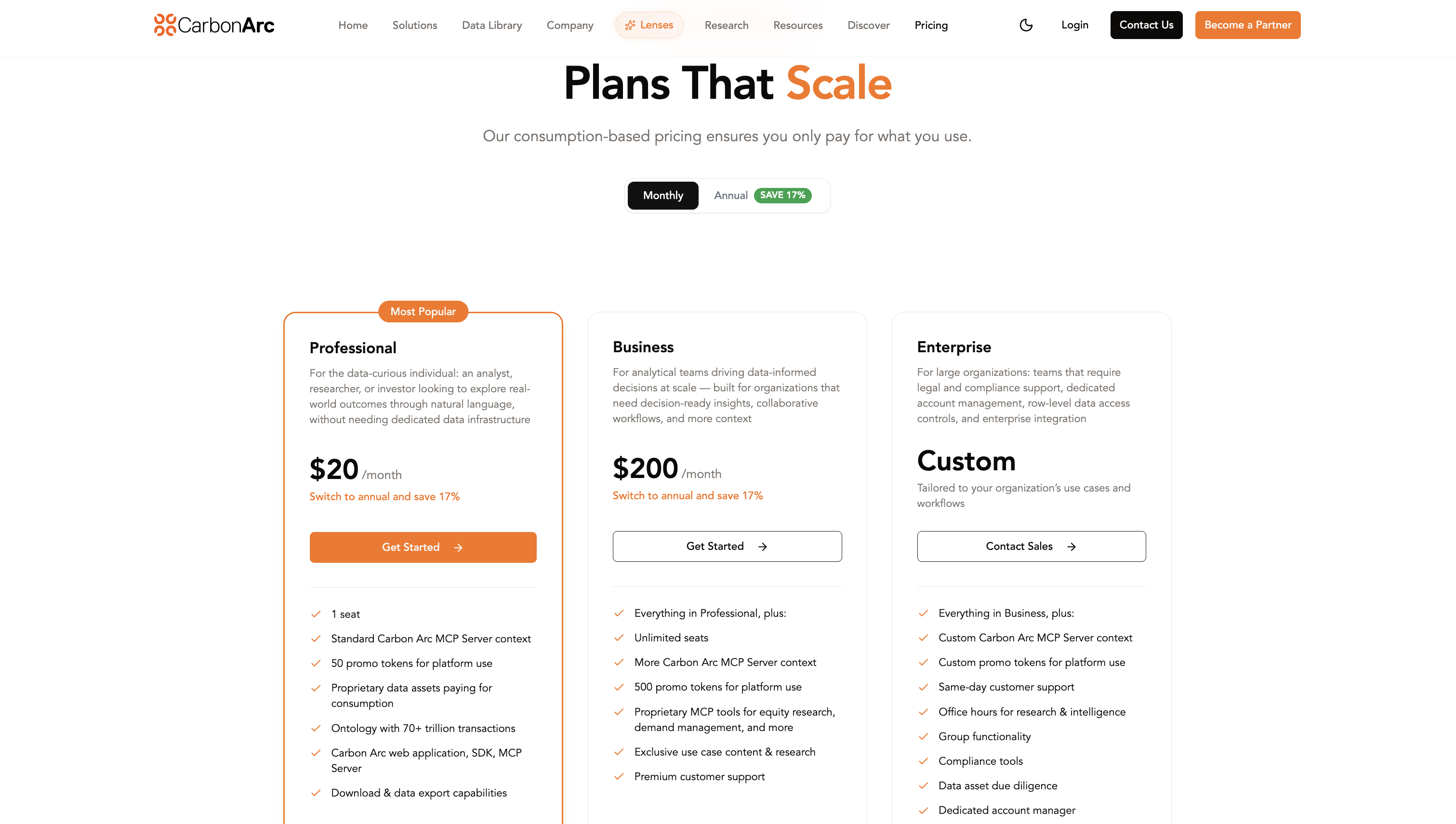
Navigate to the Pricing page and toggle between Monthly or Annual billing. Select "Get Started" on the plan you are interested in.
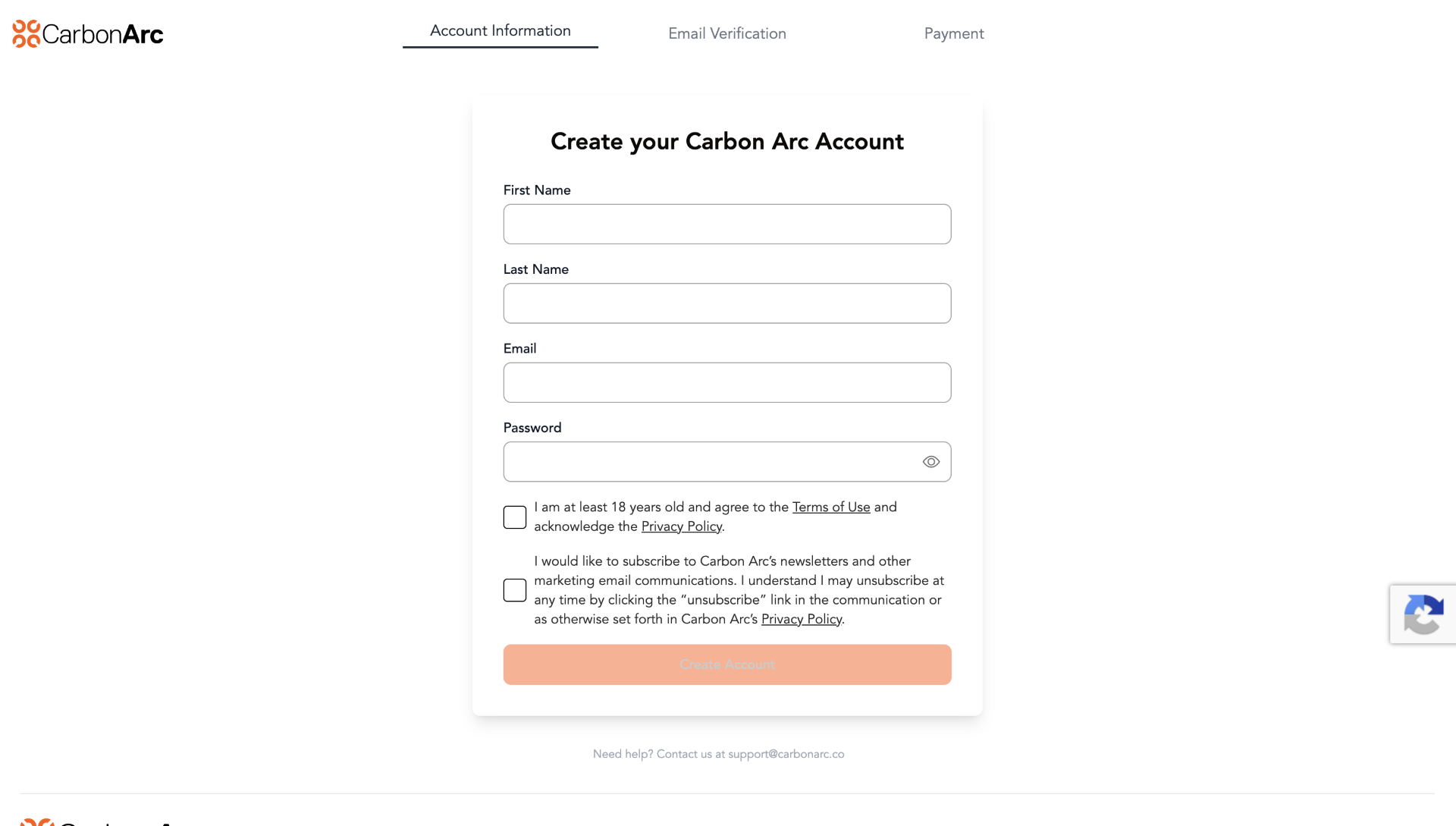
Enter your account information:
- Email — the system will verify your email does not already exist in our database
- Password — set the password for your account
- Terms of Service — you must open and scroll through the terms before selecting I agree
- Marketing communications — optionally opt in to receive marketing updates
Step 2: Email Verification
Verify your email address by entering the verification code sent to the email you provided during account creation.
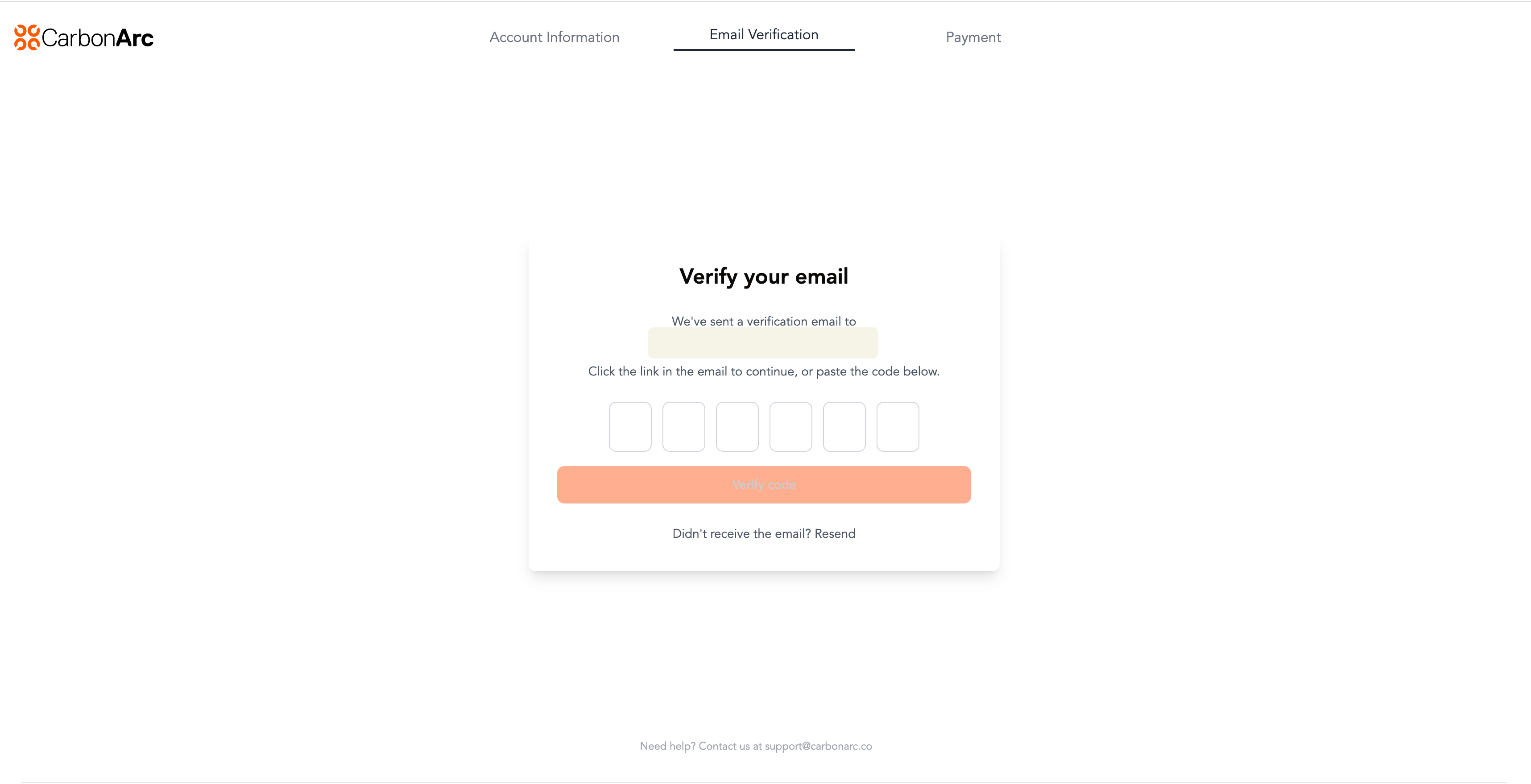
If you did not receive the email, check your spam folder or request a new code. If the issue persists, contact support@carbonarc.co for assistance.
Step 3: Payment Information
Provide a payment method and billing address. A payment method is required even if your first invoice is free.
Once payment is complete, your account will be provisioned.
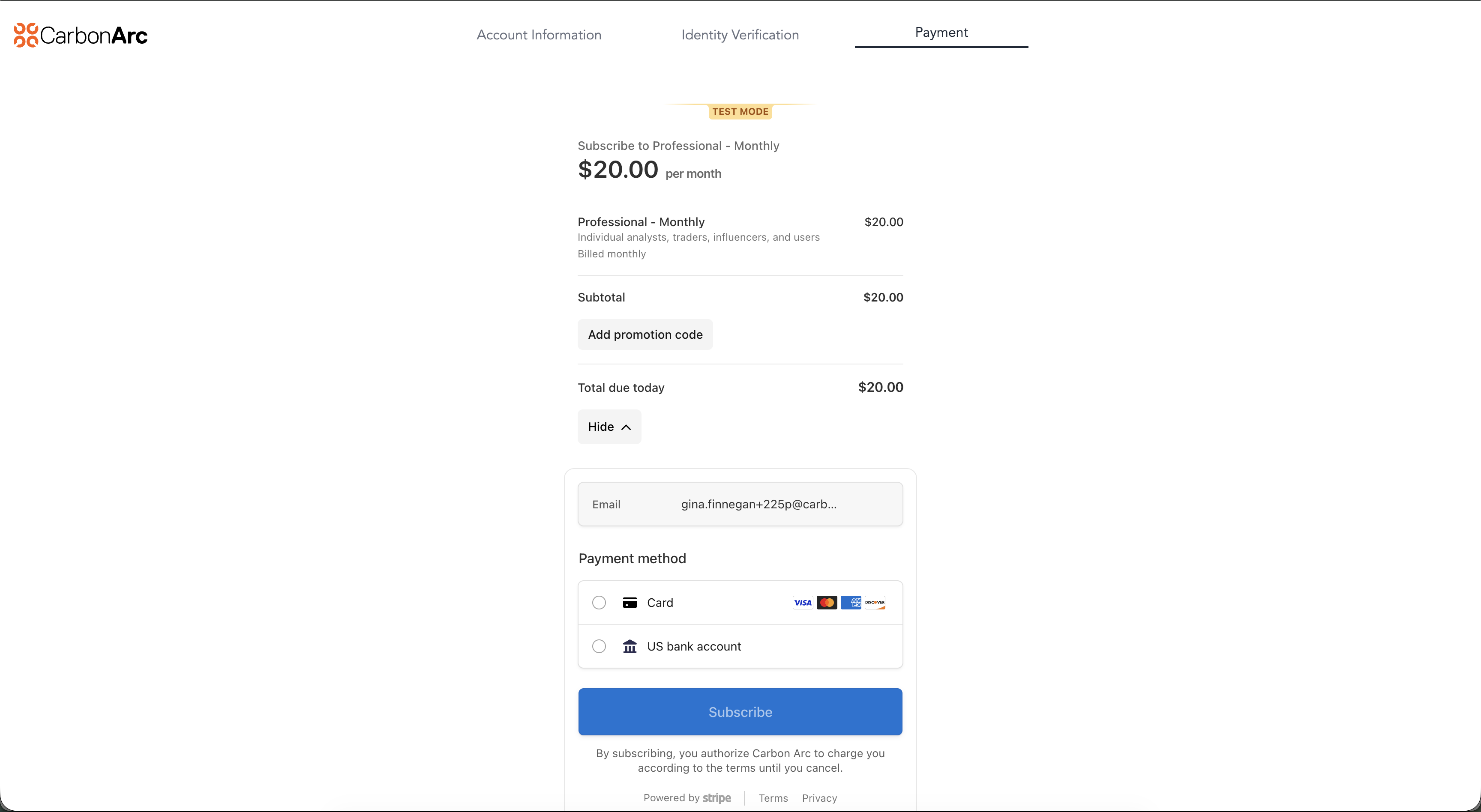
Step 4: Account Setup
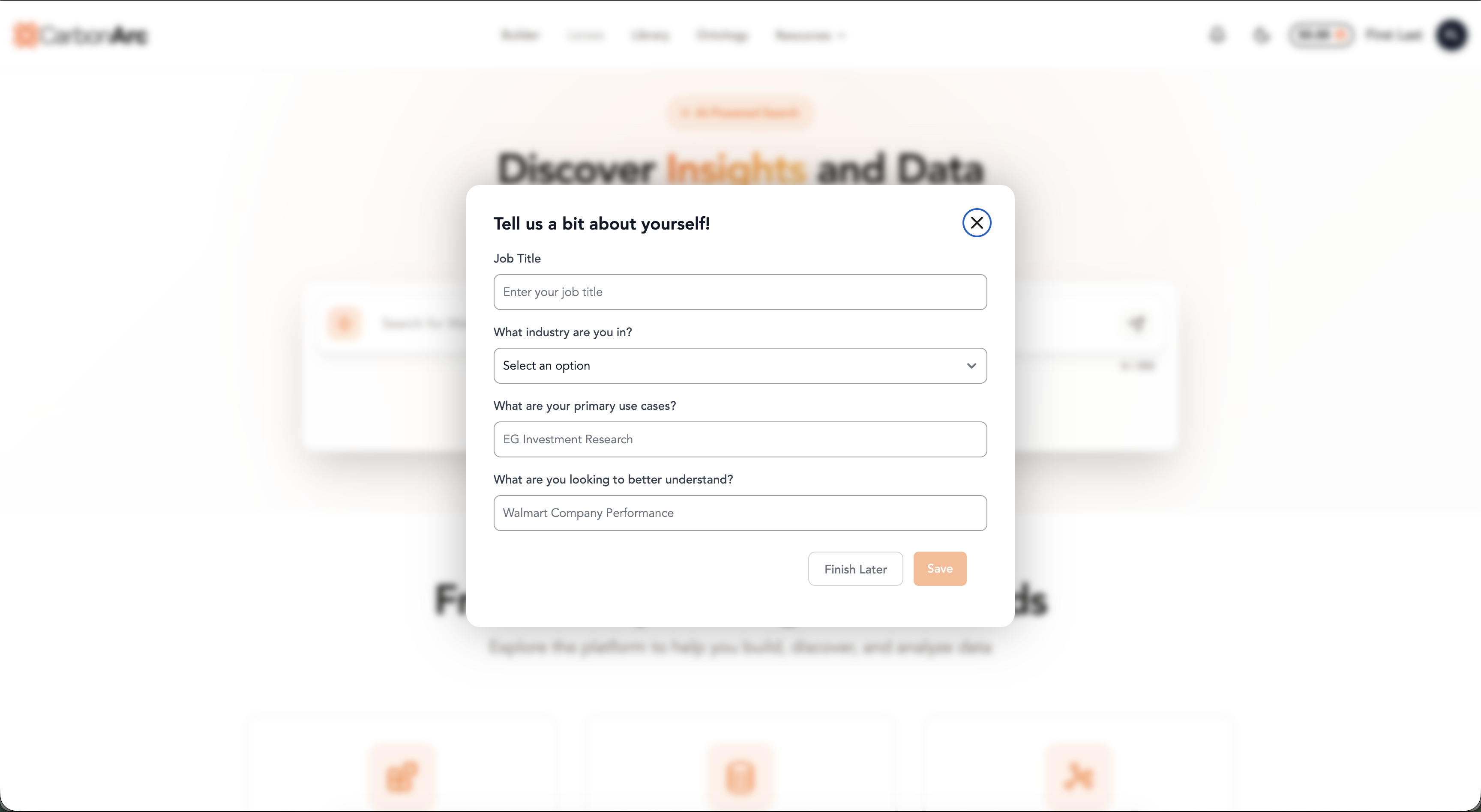
After payment, you will be automatically routed to the platform and logged in. From here you will be prompted to complete an optional questionnaire to help personalize your experience.
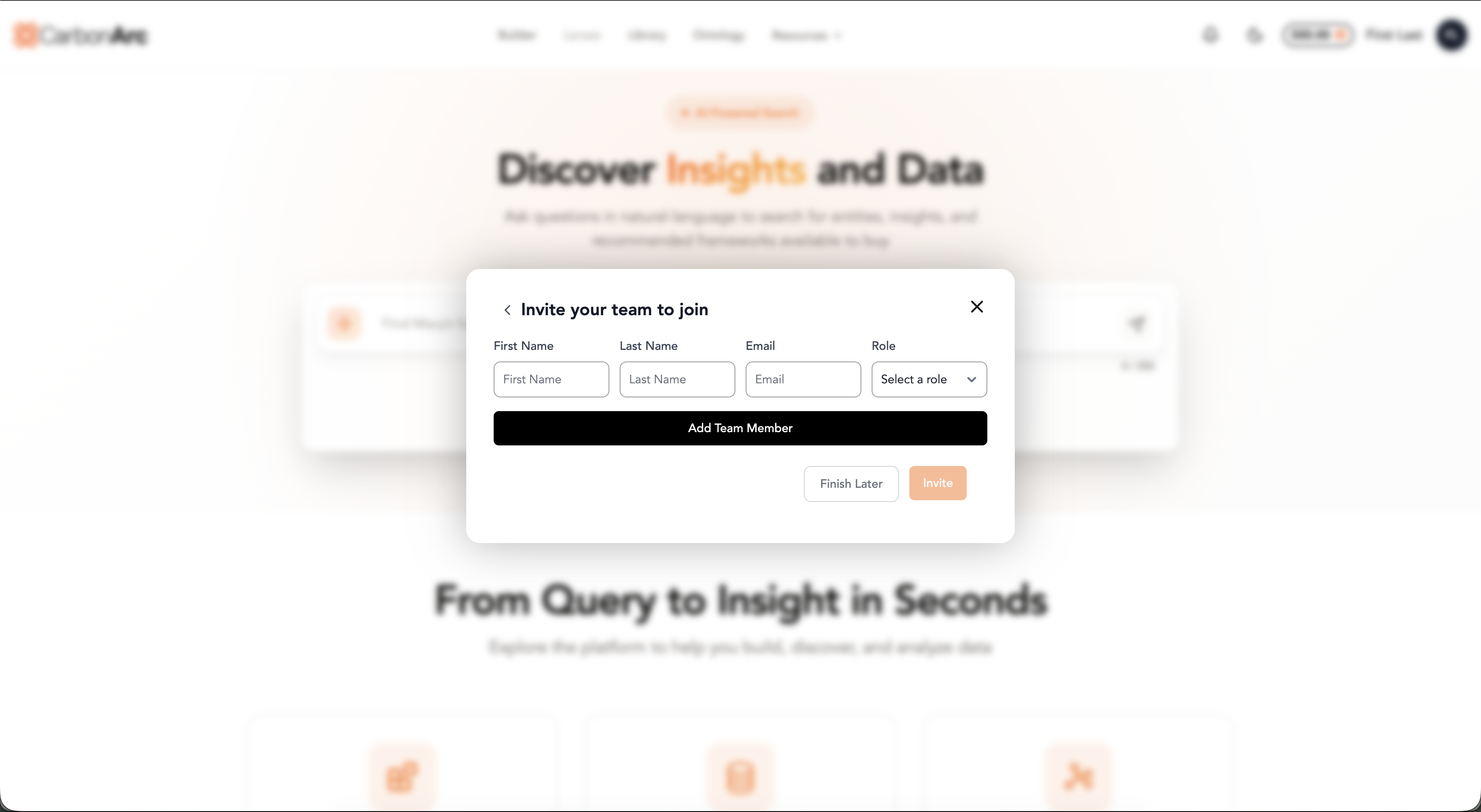
If you signed up for a Business plan, you can invite additional team members from this screen.
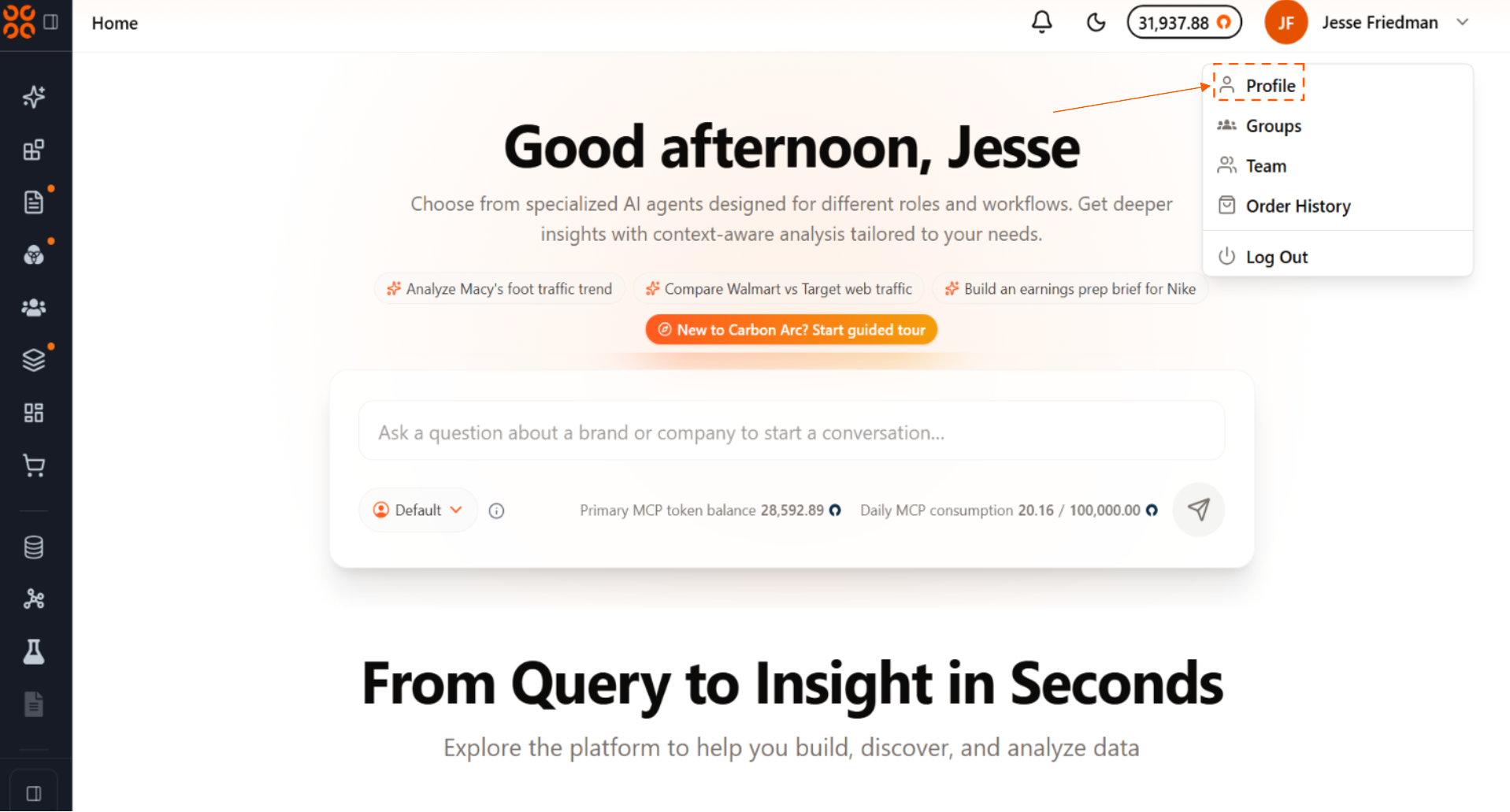
You can edit your answers and settings at any point through the Profile page.