Profile
Overview
Within your Profile settings, you can view and update your personal details, reset your password, manage your API key, and configure your data and privacy preferences.
Personal Information
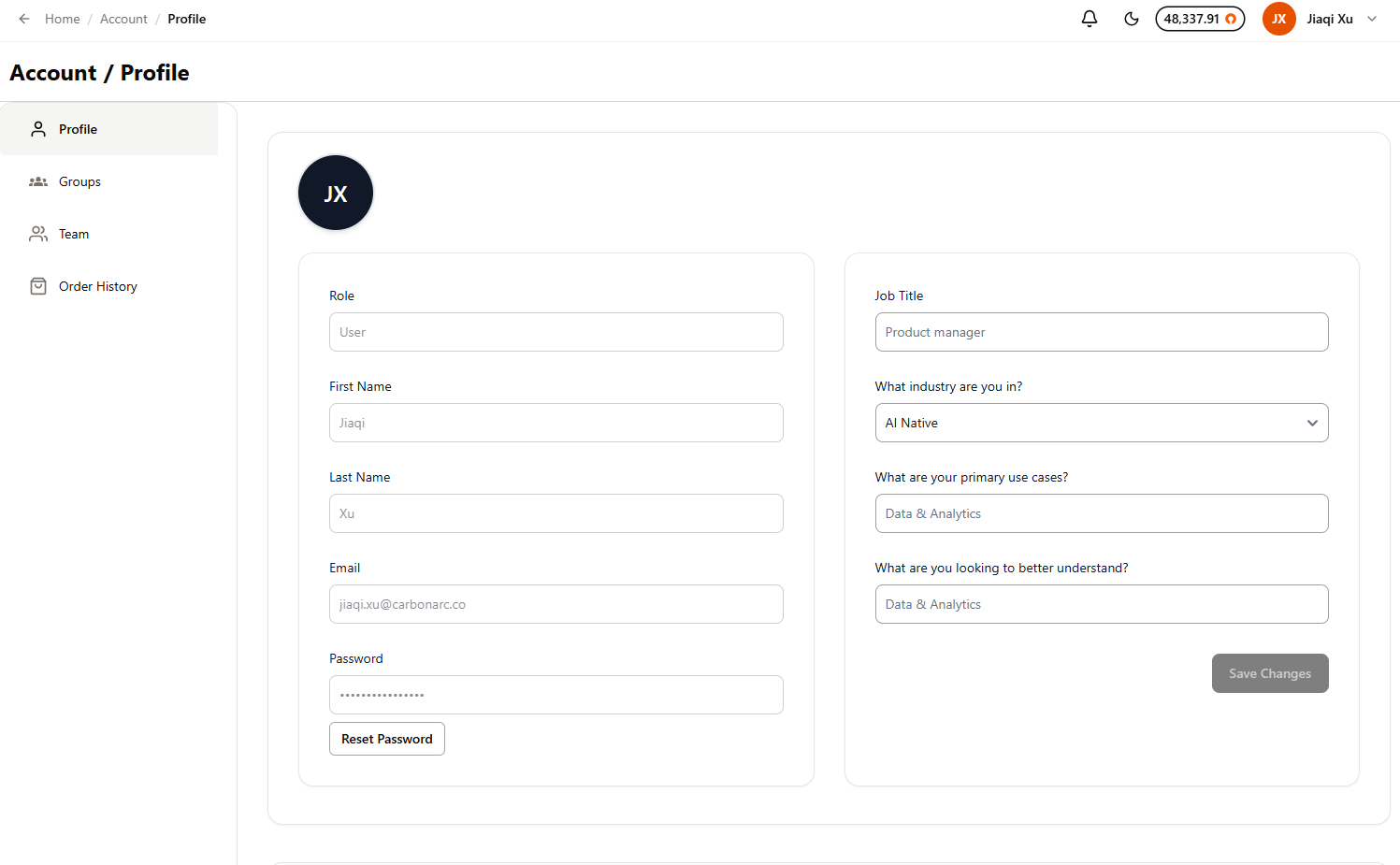
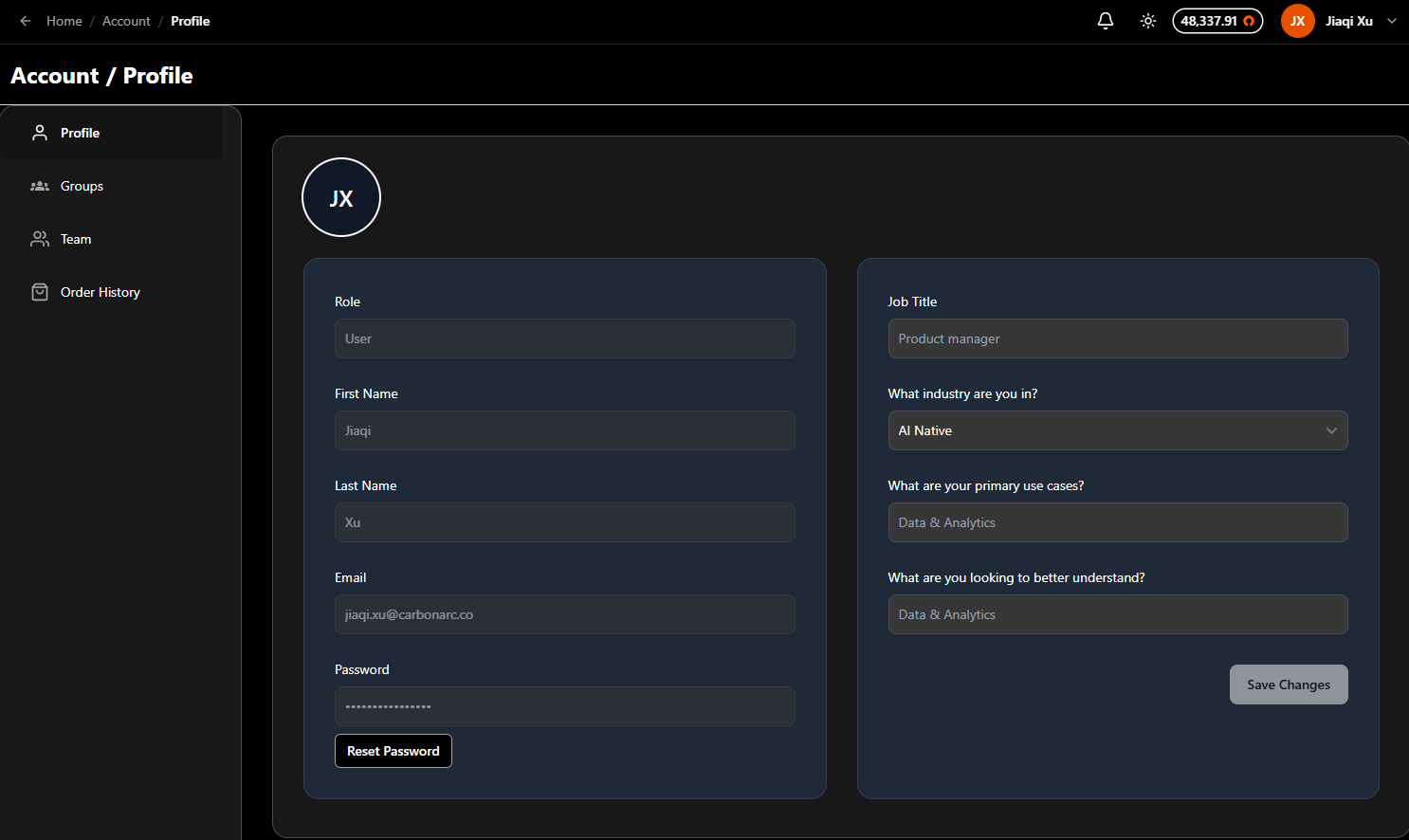
Your profile displays the following fields, which you can update at any time:
- Role — Your assigned role within the platform (read-only).
- First Name / Last Name — Your name as it appears across Carbon Arc.
- Email — The email address associated with your account.
- Job Title — Your current job title.
- What industry are you in? — Select your industry from the dropdown menu.
- What are your primary use cases? — Describe how you plan to use the platform.
- What are you looking to better understand? — Share what topics or areas you're most interested in exploring.
After making changes, select Save Changes to update your profile.
Password Management
Your password is displayed in a masked field. To reset your password, select the Reset Password button below the password field. You will receive instructions to complete the reset process.
For a step-by-step walkthrough, see Resetting Your Password.
API Key
Your API key is used to securely authenticate access to Carbon Arc's infrastructure. For a step-by-step guide on locating and copying your key, see Access Your API Key.
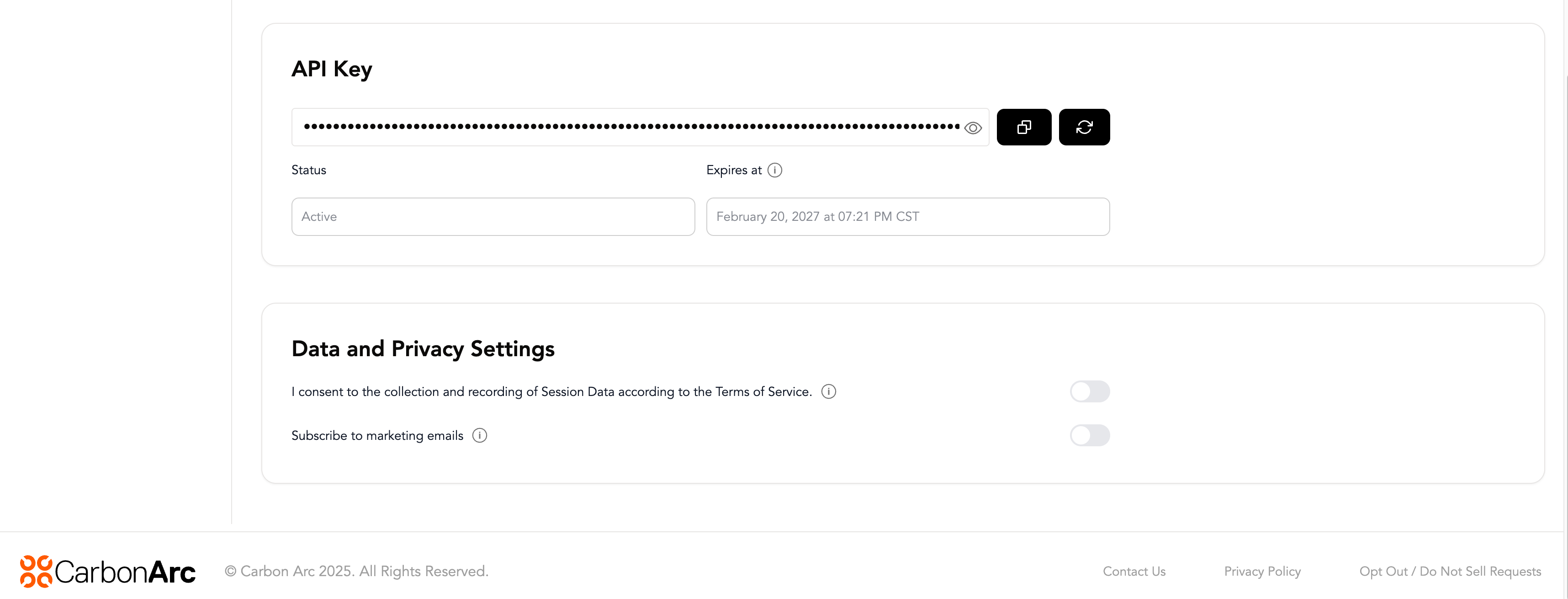
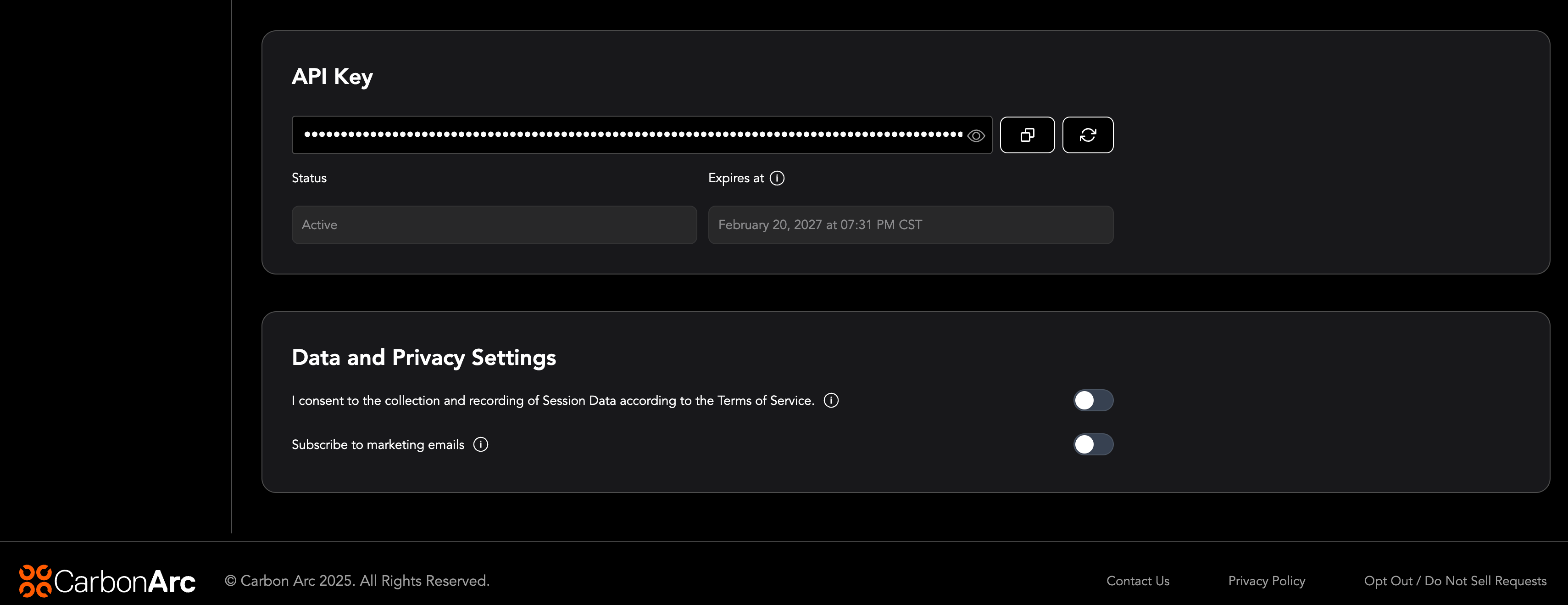
The API Key section displays your key in a masked format along with action icons:
- View (eye icon) — Reveal or hide your API key.
- Copy — Copy the API key to your clipboard.
- Regenerate — Generate a new API key, replacing the current one.
Below the key, you can see:
- Status — Indicates whether your API key is currently Active or inactive.
- Expires at — The date and time your API key will expire. API keys expire after 1 year. Once expired, you will need to regenerate a new key.
Data and Privacy Settings
At the bottom of your Profile page, you can manage your data and privacy preferences using the following toggles:
- Session Data consent — Toggle to consent to the collection and recording of Session Data according to the Terms of Service.
- Subscribe to marketing emails — Toggle to opt in or out of receiving marketing communications from Carbon Arc.