Framework Pricing
This page explains how framework purchases are priced across the Builder, SDK, and API. Carbon Arc uses a transparent, output-based formula so you always know what you're paying for before you buy.
Price Formula
Each framework purchase calculates an estimated price using this formula:
Price = (Token/megabyte) × (Avg. Megabyte/record) × (Records returned)
Components
| Component | Description |
|---|---|
| Records Returned | The rows returned in the purchase |
| Total Records | The total row count of the data asset |
| Avg. Megabyte/record | Average megabytes per record across tables in the data asset |
| Token/megabyte | Defined by the data asset |
Step-by-Step Calculation
-
Step 1: Count Records Returned - Measure how many records your query processed.
-
Step 2: Calculate Data Volume (megabytes) - Estimate total megabytes based on records returned.
-
Step 3: Multiply by Token/megabyte - Use the defined price per megabyte to determine the query price.
Minimum Estimated Price
The platform enforces a minimum query price of 4.99 tokens. Any query whose calculated price falls below this threshold is rounded up.
| Scenario | Calculated Price | Final Price |
|---|---|---|
| Small Query | 0.25 | 4.99 |
| Large Query | 249.50 | 249.50 |
Example Scenarios
Scenario 1: Small Query
| Component | Value |
|---|---|
| Token/megabyte | 4.99 |
| Total megabytes in data asset | 5 |
| Total records in data asset | 1,000 |
| Records returned | 10 |
Step 1: Count Records Returned
10 records returned out of 1,000 total records in the data asset.
Step 2: Calculate Data Volume (megabytes)
5 megabytes ÷ 1,000 records = 0.005 (Avg. Megabyte/record)
0.005 (Avg. Megabyte/record) × 10 records returned = 0.05 megabytes
Step 3: Multiply by Token/megabyte
0.05 megabytes × 4.99 (Token/megabyte) = 0.25 tokens
Since 0.25 is below the 4.99 token minimum, the final price is 4.99 tokens.
Scenario 2: Large Query
| Component | Value |
|---|---|
| Token/megabyte | 4.99 |
| Total megabytes in data asset | 500 |
| Total records in data asset | 100,000 |
| Records returned | 10,000 |
Step 1: Count Records Returned
10,000 records returned out of 100,000 total records in the data asset.
Step 2: Calculate Data Volume (megabytes)
500 megabytes ÷ 100,000 records = 0.005 (Avg. Megabyte/record)
0.005 (Avg. Megabyte/record) × 10,000 records returned = 50 megabytes
Step 3: Multiply by Token/megabyte
50 megabytes × 4.99 (Token/megabyte) = 249.50 tokens
Since 249.50 exceeds the 4.99 token minimum, the final price is 249.50 tokens.
Pricing in the Builder
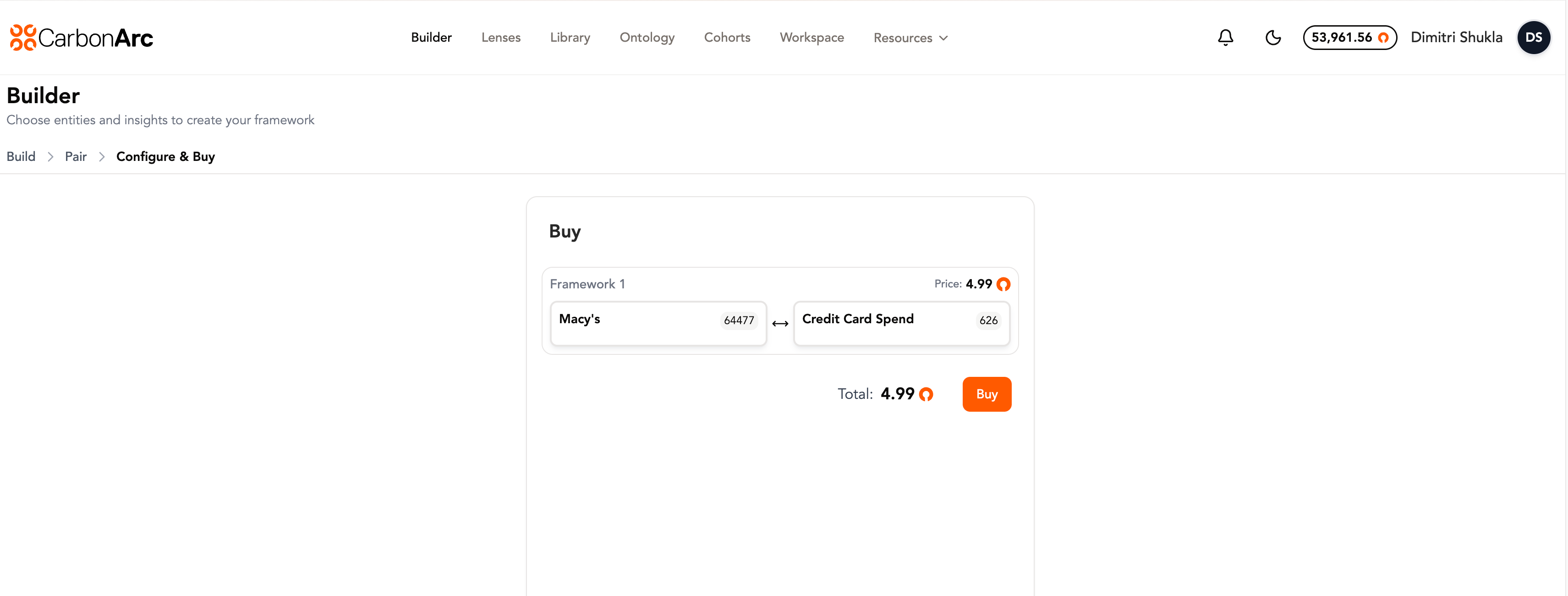
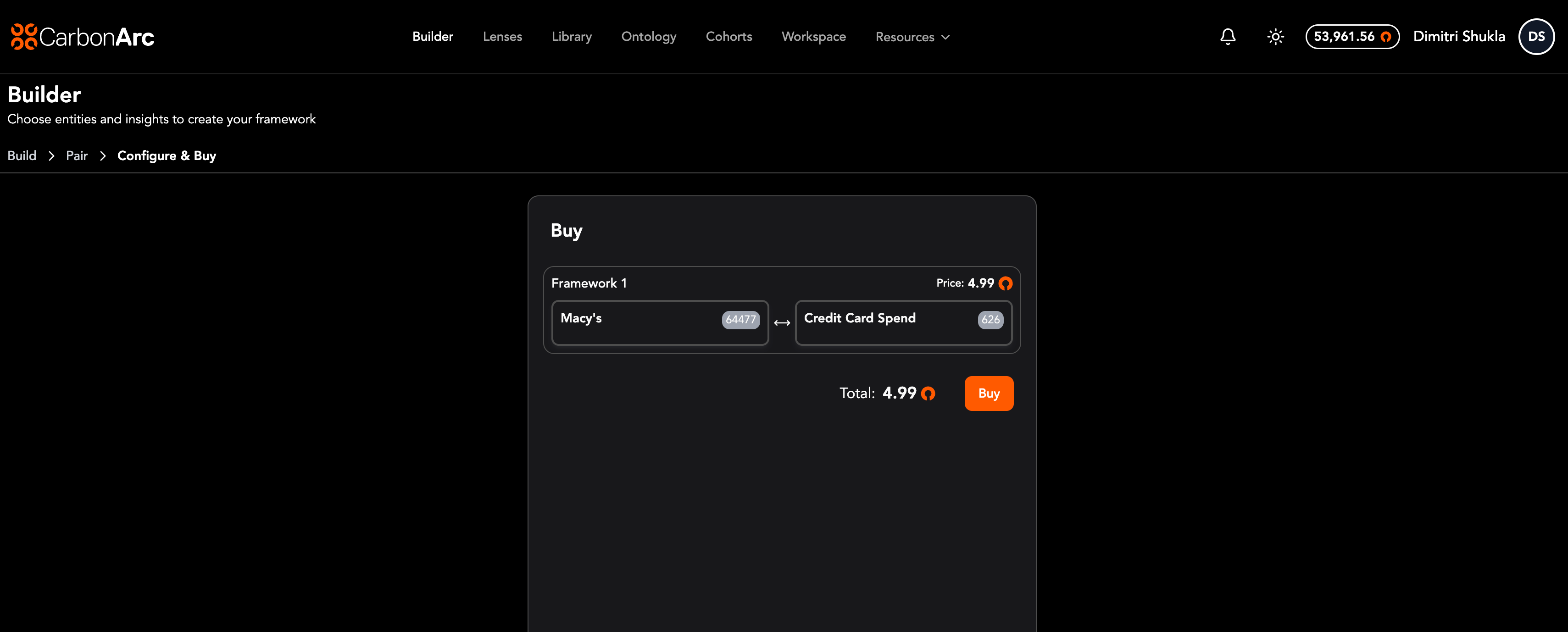
The Builder displays a price on the Configure & Buy page for only the data you've configured. You can see the exact token cost before confirming a purchase, and make inline edits to refine your framework configuration (filters, date ranges, spatial parameters) to adjust the price.
Pricing in the SDK
When purchasing frameworks programmatically, use the check_framework_price() method to retrieve an estimated price before committing to a purchase.
price = client.explorer.check_framework_price(framework)
print(price.get('price'))
This returns the estimated token cost based on the framework's configuration. For full SDK documentation, see the Explorer API.
Pricing in the API
When purchasing frameworks via the API, use the POST /v2/framework/metadata endpoint to retrieve an estimated price before committing to a purchase. You can price one or many frameworks in a single call.
Each framework in the request pairs one insight with one or more entities (companies, products, apps, etc.) plus filters. This means:
- 1 entity + 1 insight = 1 framework with 1 entity
- 10 entities + 1 insight = 1 framework with 10 entities in its
entitiesarray - 1 entity + 10 insights = 10 frameworks, each with the same entity but a different
insight
Not every entity has data for every insight. Before pricing or purchasing, use the Ontology API to confirm your combination is valid. Call get_insights_for_entity() to find which insights are available for an entity, or get_entities_for_insight() to find which entities are available for an insight. This avoids errors from requesting a framework with an entity-insight pair that doesn't exist.
Example Request
# 1 framework: 2 entities, 1 insight
curl -X POST https://api.carbonarc.co/v2/framework/metadata \
  -H "Authorization: Bearer YOUR_API_TOKEN" \
  -H "Content-Type: application/json" \
  -d '{
    "frameworks": [
      {
        "entities": [
          {"carc_id": 64719, "representation": "company"},
          {"carc_id": 64781, "representation": "company"}
        ],
        "insight": {"insight_id": 626},
        "filters": {
          "location_resolution": "us",
          "date_resolution": "month",
          "date_range": {
            "start_date": "2025-01-01",
            "end_date": "2025-12-31"
          }
        },
        "aggregate": "sum"
      }
    ]
  }'
Example Response
The response includes a total_price across all frameworks and an individual price for each framework in the frameworks array:
{
  "total_price": 4.99,
  "number_of_frameworks": 1,
  "frameworks": [
    {
      "id": "a1b2c3d4-e5f6-7890-abcd-ef1234567890",
      "name": "Company Revenue - Monthly 2025 US",
      "price": 4.99,
      "refreshed_date": "2026-03-18",
      "table_max_date": "2026-03-17",
      "columns": [
        {"col_name": "date", "data_type": "string"},
        {"col_name": "credit_card_spend", "data_type": "string"}
      ],
      "message": null
    }
  ]
}
Because pricing is based on records returned, adding more entities or insights increases the total records — and therefore the total price. Each framework in the response includes its own price, so you can see exactly what each combination costs before you buy.
For full API documentation, see the Carbon Arc API Reference.
Repurchasing
Repurchasing a framework you already own costs zero tokens, provided the framework is identical across all filters. If any parameter changes (e.g., date range or geography), it will be priced as a new configuration.
For more help, contact support@carbonarc.co