Non-Native MCP Best Practices
Get the most out of Carbon Arc's MCP Server with these proven strategies and tips.
1. Ask Direct Business Questions
Use this when you know what you're looking for.
Examples
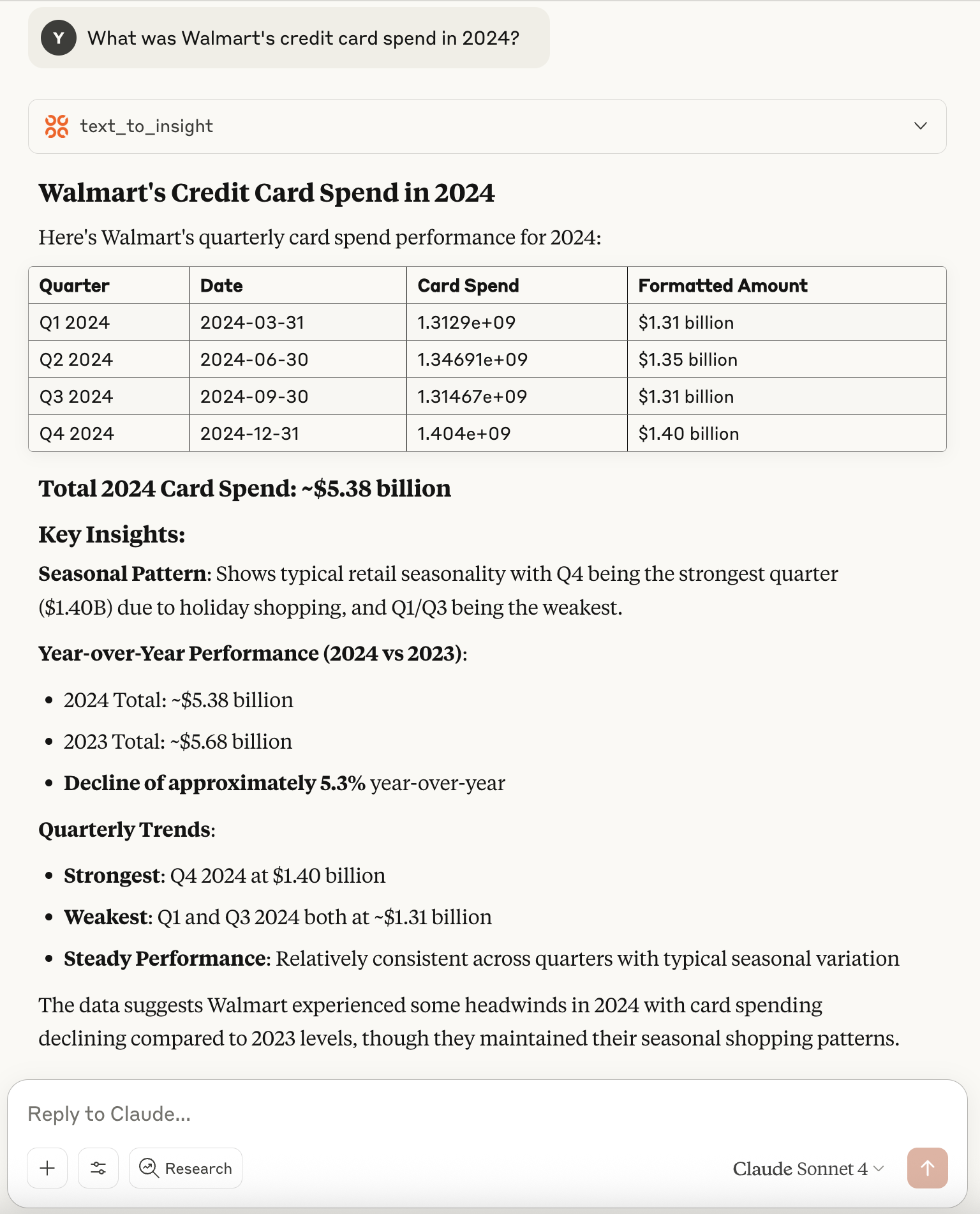
- "What was Walmart's card spend in 2024?"
- "Compare Target and Costco in terms of app downloads."
What You'll Get
Responses include a markdown-formatted table with the resulting insights, along with metadata on selected filters and available options. This allows Claude to directly answer your question and build on the output in follow-up queries.
2. Explore Available Data
Use this when you're not sure what data is available.
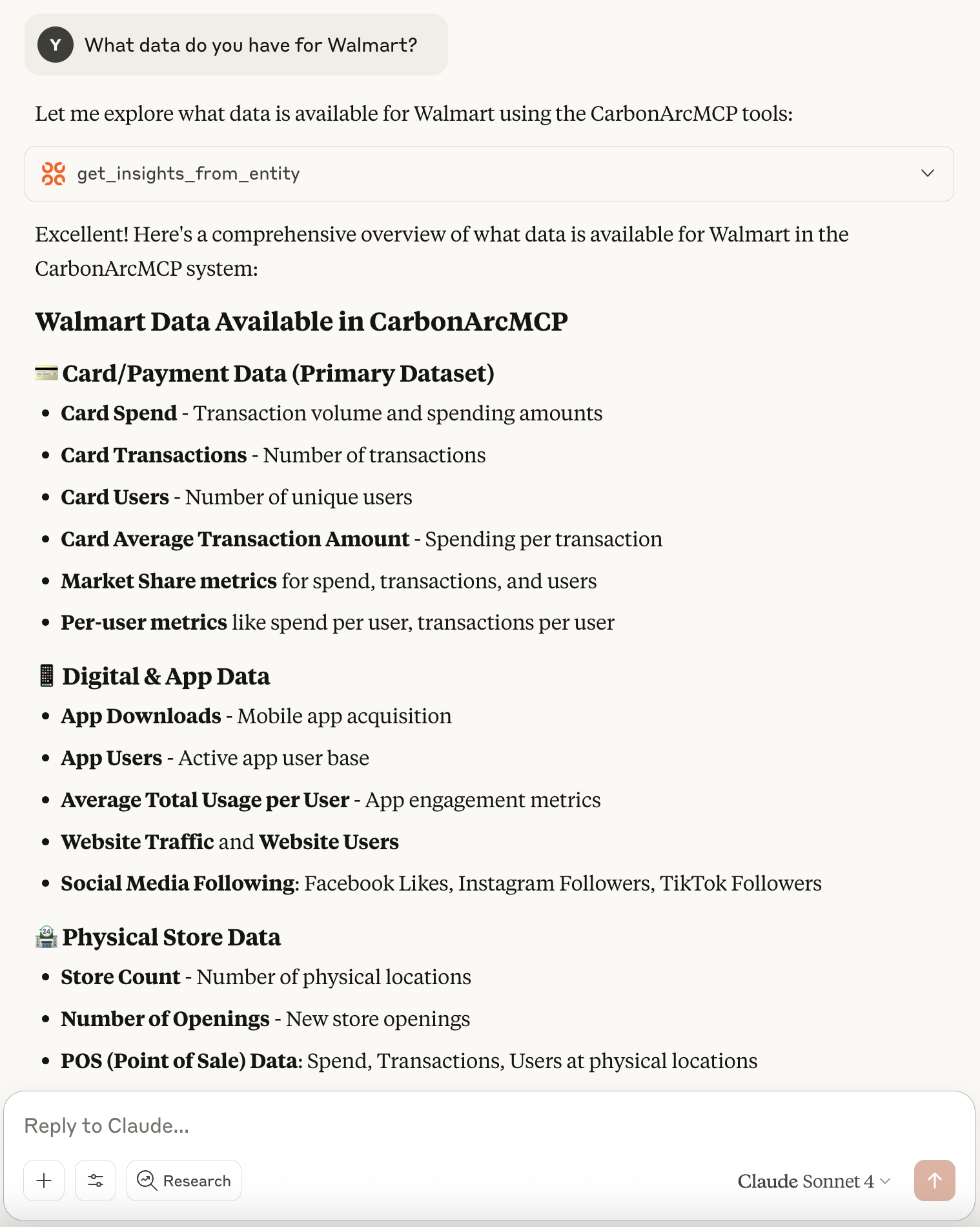
If you're exploring or not sure what data exists, try asking:
- "What data do you have for Walmart?"
- "What insights are available for Florida?"
- "Which entities are included in the Card Spend insight?"
These types of questions help Claude discover the available entities and insights to guide your next step.
3. Get to Know the MCP Server
As you get familiar with the Carbon Arc MCP Server and tools available, try asking Claude:
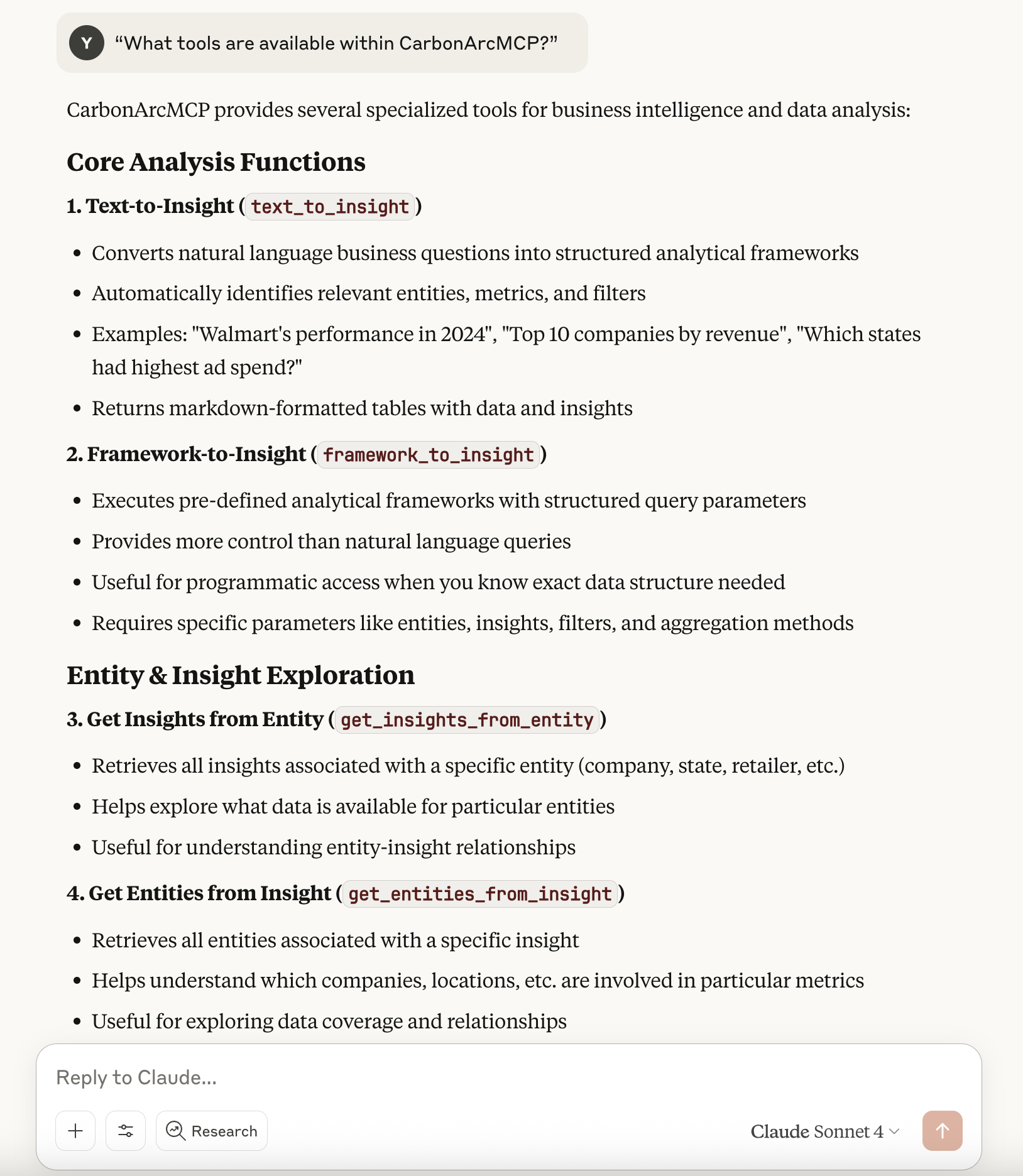
- "What tools are available within CarbonArcMCP?"
- "Give me an example of how the text_to_insight tool works."
- "Use the text_to_insight tool to explore Walmart's quarterly card spend for 2024."
These types of questions help drive further orchestration and querying of the MCP server to generate meaningful responses.
4. Tips for Better Results
Be Specific
If you want to control the query precisely (e.g., select entity, insight, filter, aggregation), phrase your request with specifics:
"Give me total card spend for Costco in CA from Jan to Dec 2024, by month."
Use Follow-up Questions
All responses include structured data and often metadata. Claude will use this to answer follow-ups, so don't hesitate to ask clarifying or extending questions.
Guide Claude When Needed
If you ever get a vague or empty answer, assume it might have skipped the tools. Just re-ask with:
- "use mcp tools"
- "use tool_name tool"
at the end of your question to help guide Claude.
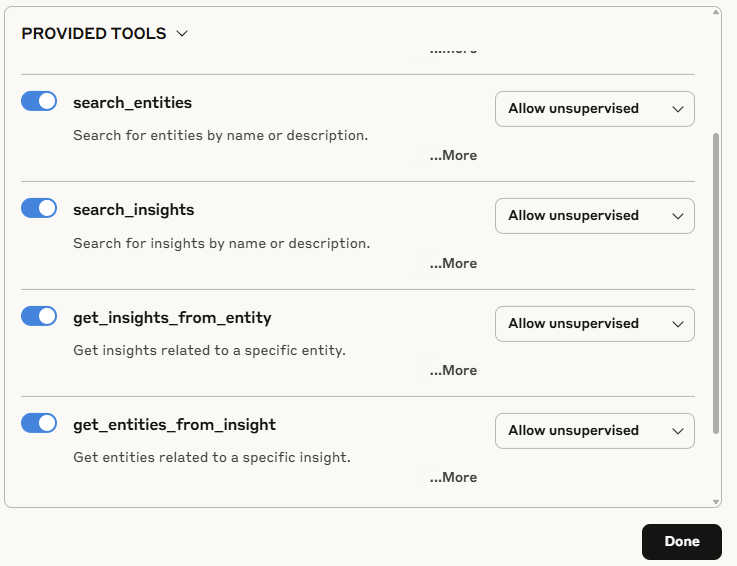
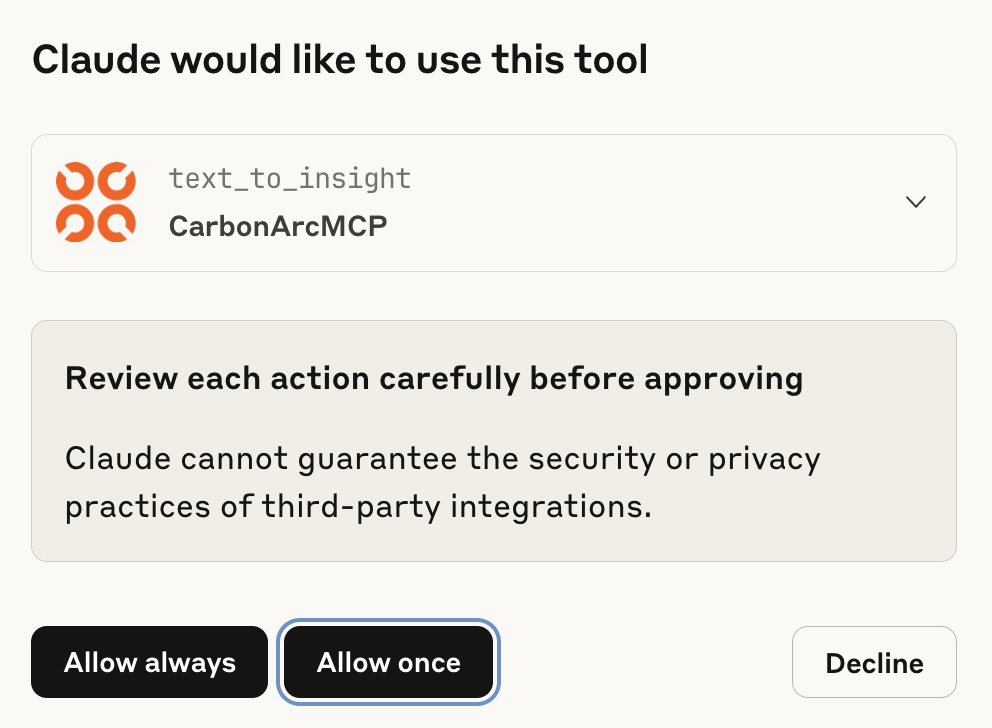
Configure Tool Permissions
You can allow Claude to call the tools:
| Mode | Description |
|---|---|
| Allow unsupervised | More uninterrupted conversation flow |
| Always ask for permission | More control over each tool call |