Account Management
This guide walks you through managing and inspecting your Carbon Arc account using the updated Python SDK.
1. Install and Import
Sign up for a Carbon Arc account at app.carbonarc.ai.
In your profile, generate an API Key. Copy this key; you'll need it later.
Install Required Packages
In your terminal or notebook, run:
pip install carbonarc python-dotenv pandas
2. Import Libraries
Import necessary modules in your Python script or notebook:
import os
from dotenv import load_dotenv
from carbonarc import CarbonArcClient
import pandas as pd
3. Configure Authentication
- Create a
.envfile in your project directory with:
API_AUTH_TOKEN=your_api_key_here
Copy your API Key from the User Portal in the Developers tab.
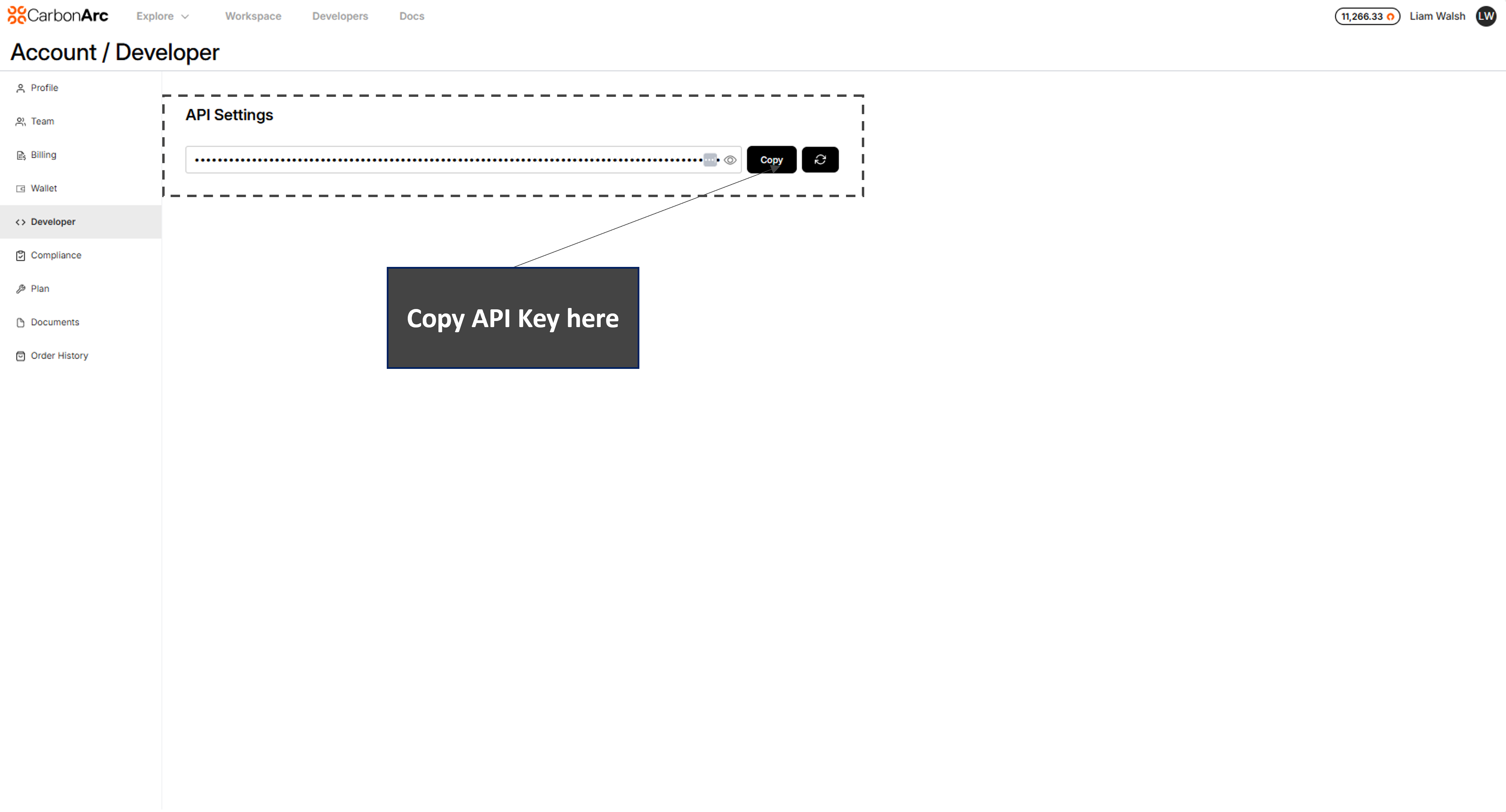
Link here: https://app.carbonarc.ai/my/profile
Load and verify the token:
# Load environment variables from .env
load_dotenv()

# Retrieve API token
API_AUTH_TOKEN = os.getenv('API_AUTH_TOKEN')

# Verify
if not API_AUTH_TOKEN:
    raise RuntimeError("Missing API_AUTH_TOKEN—check your .env file.")
print("✅ API_AUTH_TOKEN loaded successfully.")

client = CarbonArcClient(token=API_AUTH_TOKEN)
print("✅ Carbon Arc client initialized.")
4. Test Your Setup
Fetch your account balance as a quick connectivity test:
balance = client.client.get_balance()
print(balance)
5. Check Your Order History
Run the following command to check your order history.
orders = client.client.get_order_history()
print(orders)